How to Keep Track of Expenses for a Small Business Without the Spreadsheet Headache
CanDev Team
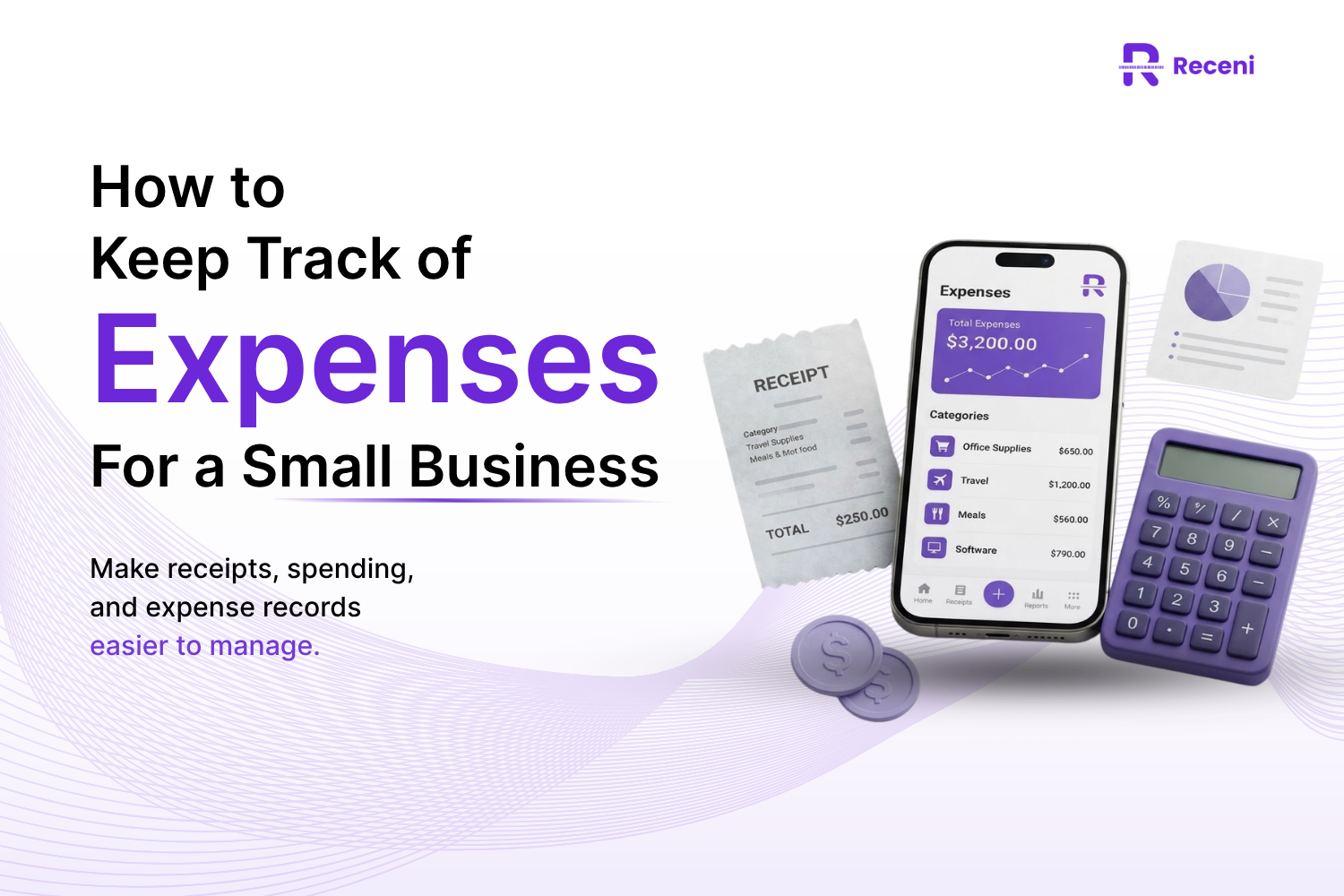
Table of contents
How to keep track of expenses for a small business, organize receipts, reduce manual entry, and choose the right expense tracking app.
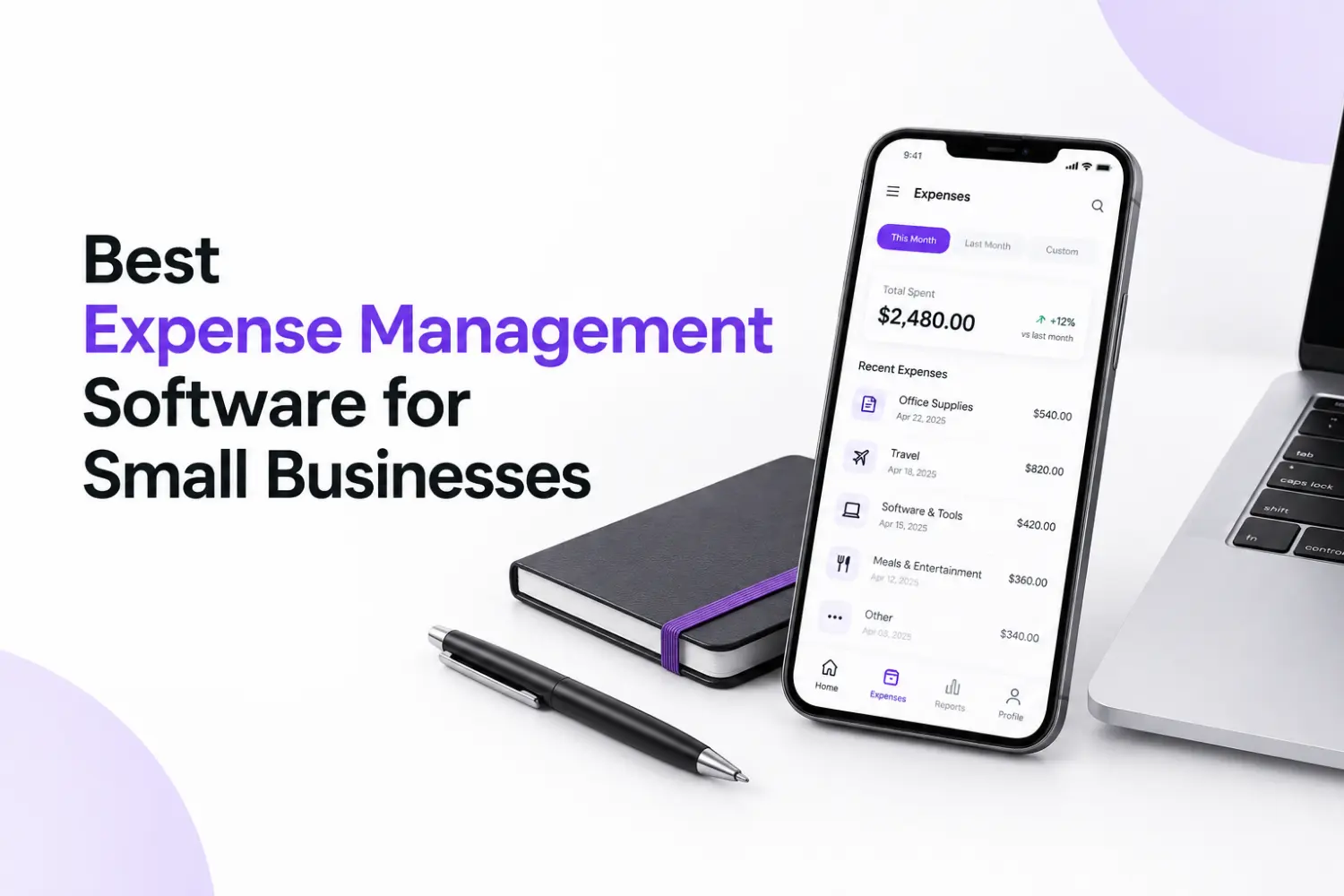
The easiest way to keep track of expenses for a small business is to record each expense when it happens, save the receipt, organize it into the right category, and review your spending regularly. An expense tracking app can make this process faster by capturing receipt details and keeping your records in one place.
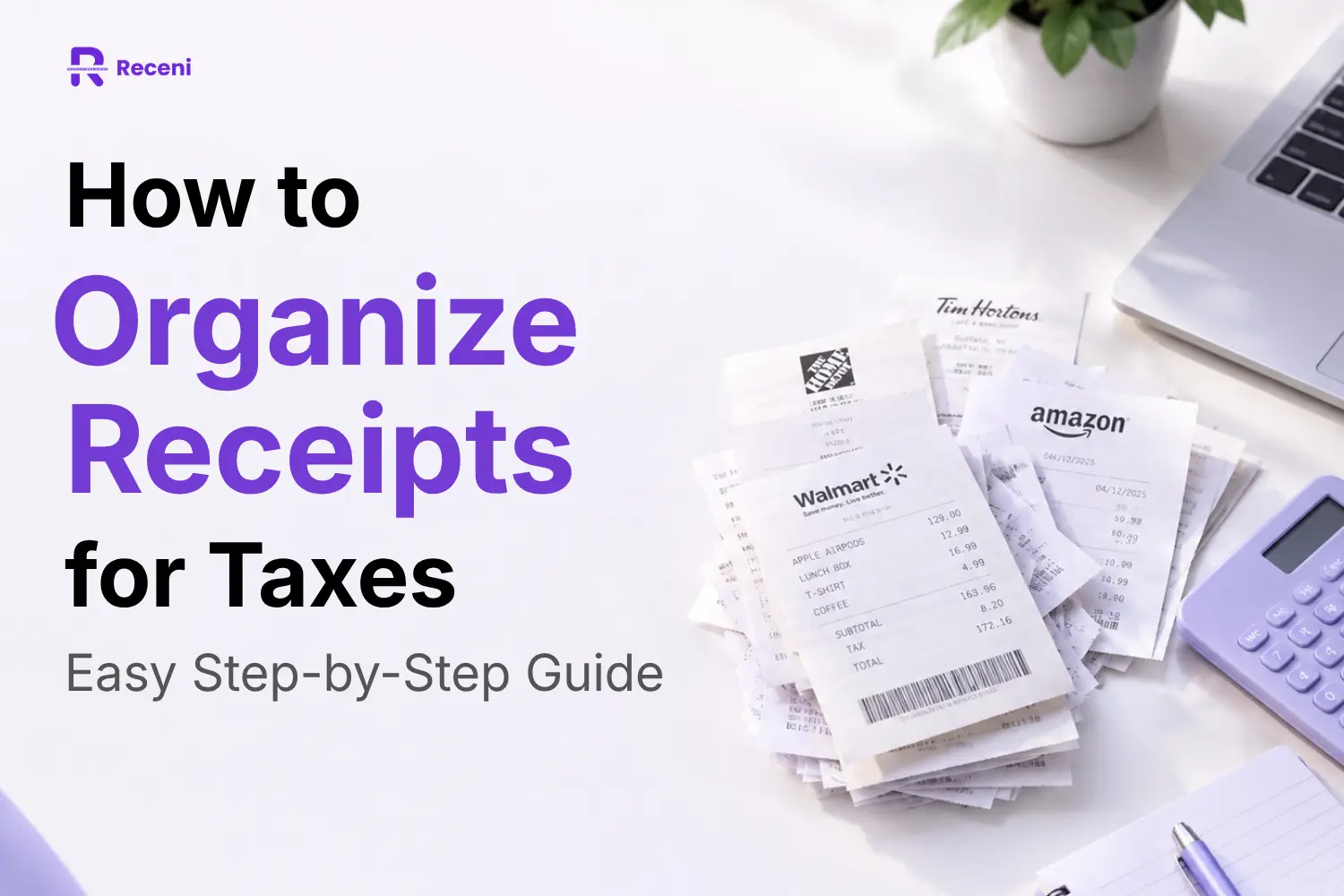
Running a small business means making purchases all the time.You pay for software, office supplies, travel, meals, advertising, equipment, and other business needs. At first, keeping track of these expenses may seem easy.Then the receipts start piling up.Some are in your wallet. Some are in your email. Others may be sitting in a drawer.By the time you need your records, finding everything can become a real headache.
That is why a Receni simple business expense tracking system matters. It helps you know where your money goes, keeps your records organized, and makes it easier to prepare your expenses for tax time.
Losing Track of Business Expenses? Here’s Why It Happens
Small business owners lose track of expenses not because they do not care about their money.They are simply busy.You finish a client meeting, pay for lunch, save the receipt, and tell yourself you will record it later.Then another task comes up.This happens again and again until you have a pile of receipts and no clear business expense log.
There is also another problem: small purchases can add up quickly.A $15 subscription may not seem important. Neither does a $30 business meal or a $50 software tool. But when you look at all of them together, they can have a real impact on your business budget.
The solution is not to spend your whole day tracking expenses.It is to create a system that makes tracking quick and consistent.
How to Keep Track of Expenses for a Small Business Without the Spreadsheet Headache
A good expense tracking system should answer four simple questions:
What did I buy?
When did I buy it?
How much did it cost?
What was it for?
Once you have these details, you have a much clearer picture of your business spending.
Start With a Simple Business Expense Tracking System
You do not need a complicated accounting process to get started.
Choose one place to record your expenses and use it consistently.
For every purchase, record the merchant, date, amount, tax, and expense category.
This creates an organized record that you can review later.
Stop Letting Receipts Pile Up Until Tax Season
Waiting until tax season to organize receipts is one of the easiest ways to create unnecessary stress.
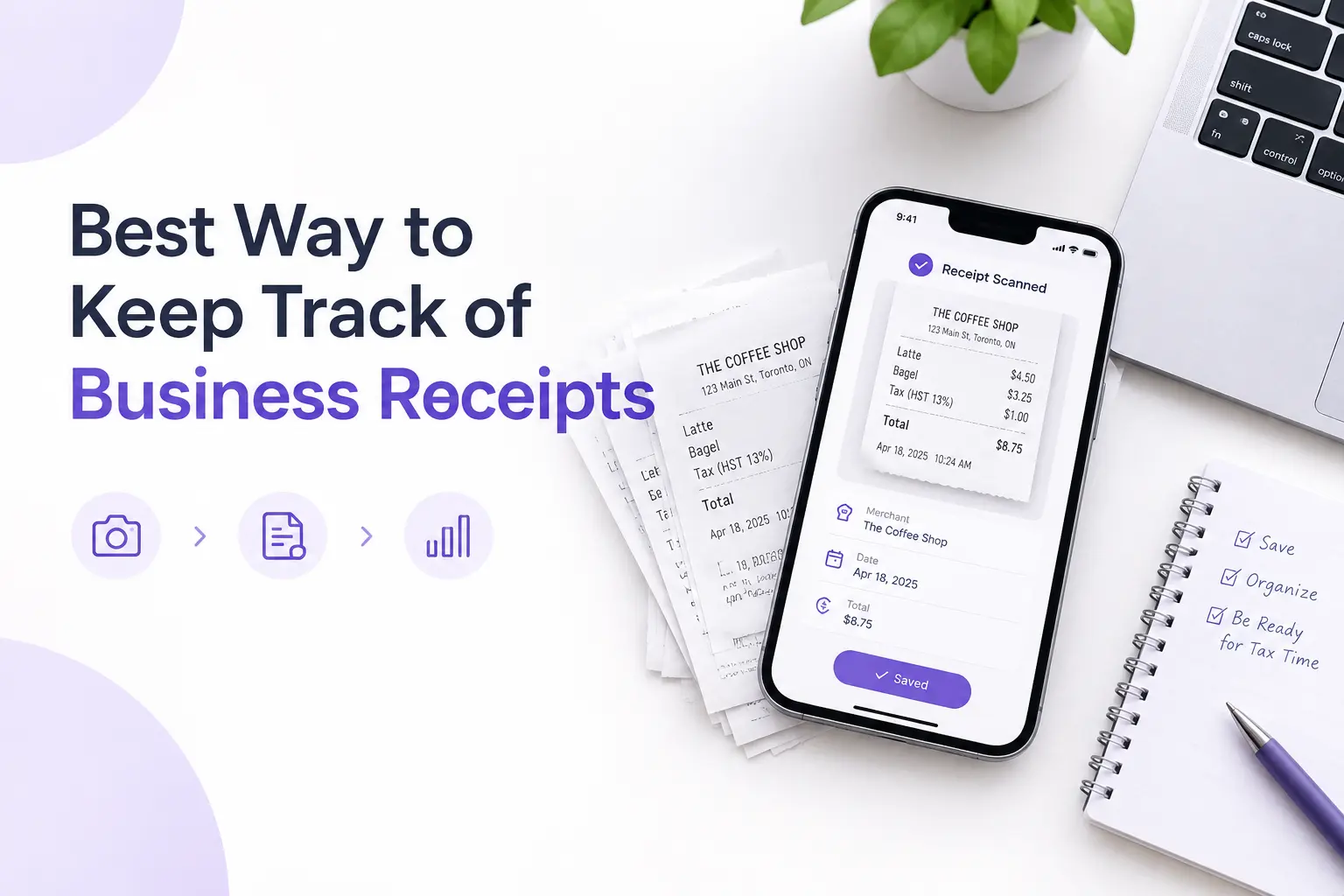
Instead, capture the receipt when you make the purchase.A receipt scanning tool Receni can help because you can take a photo of the receipt instead of typing every detail yourself.
Separate Personal and Business Expenses Before They Get Mixed Up
If you use the same accounts or cards for everything, business and personal purchases can quickly become difficult to separate.
Keep business expenses clearly identified.This makes your records easier to understand and gives you a better view of your actual business costs.
Categorize Small Business Expenses So Your Money Makes Sense
Recording an expense is only part of the job.You also need to know what the expense was for.
Common categories include:Office expenses,Software and subscriptions,TravelBusiness meals,MarketingAdvertising,EquipmentProfessional services etc
Clear categories can show you where your money is going and help you spot areas where you may be spending too much.
Review Your Business Expenses Before They Become a Bigger Problem
Expense tracking is not only about tax records.It can also help you make better business decisions.
Review your expenses regularly. Look for subscriptions you no longer use, unnecessary purchases, or areas where costs are increasing.Small changes can save money over time.
Expense Tracking App vs. Spreadsheet: Which One Actually Saves You Time?
A spreadsheet can be enough when you only have a few expenses each month.But as your business grows, manual entry can become time-consuming.
You may have to enter the merchant, date, amount, category, tax, and other details for every receipt.An expense tracking app can reduce some of this work.
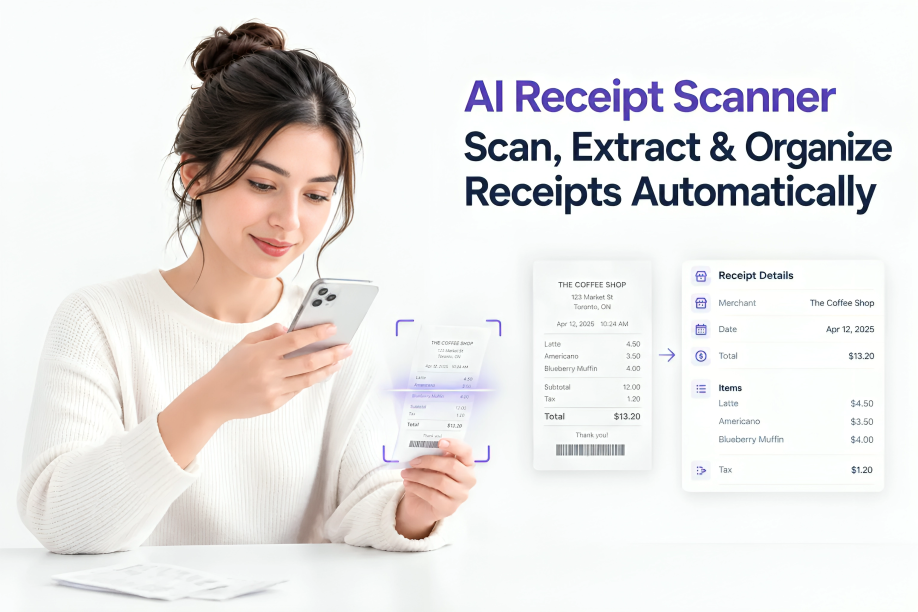
For example, receipt-scanning apps can use AI to read information from a receipt and turn it into a digital expense record.
The better choice depends on your business:
Spreadsheet
Expense Tracking App
Good for simple records
Better for frequent expenses
Requires manual entry
Can reduce manual data entry
Easy to customize
Built for expense tracking
Can become difficult to manage
Keeps receipts and expenses together
Usually requires more organization
Can automate parts of the process
If you only have a handful of expenses, a spreadsheet may be enough.
If you are constantly collecting receipts, an app can save more time.
What Should You Look for in the Best Expense Tracking App?
The best expense tracking app is not necessarily the one with the most features.
It is the one that removes work from your daily routine.
Receipt Scanning That Turns Paper Receipts Into Digital Records
Receipt scanning should be quick.
You should be able to take a picture or upload a receipt and capture important details without typing everything manually.
Automatic Expense Organization Without Manual Data Entry
Look for tools that can help identify information such as the merchant, date, total, tax, and category.
The less information you have to type yourself, the easier it is to keep your records updated.
Easy Business Expense Categories and Search
Your expenses should be easy to find later.
Search and categories can help you quickly find a specific purchase instead of going through folders or paper receipts.
A Clear Expense History You Can Actually Use
Your expense tracker should give you more than a storage box for receipts.
You should be able to understand your spending and see how your expenses change over time.
How Receni Turns Receipt Scanning Into Simple Business Expense Tracking
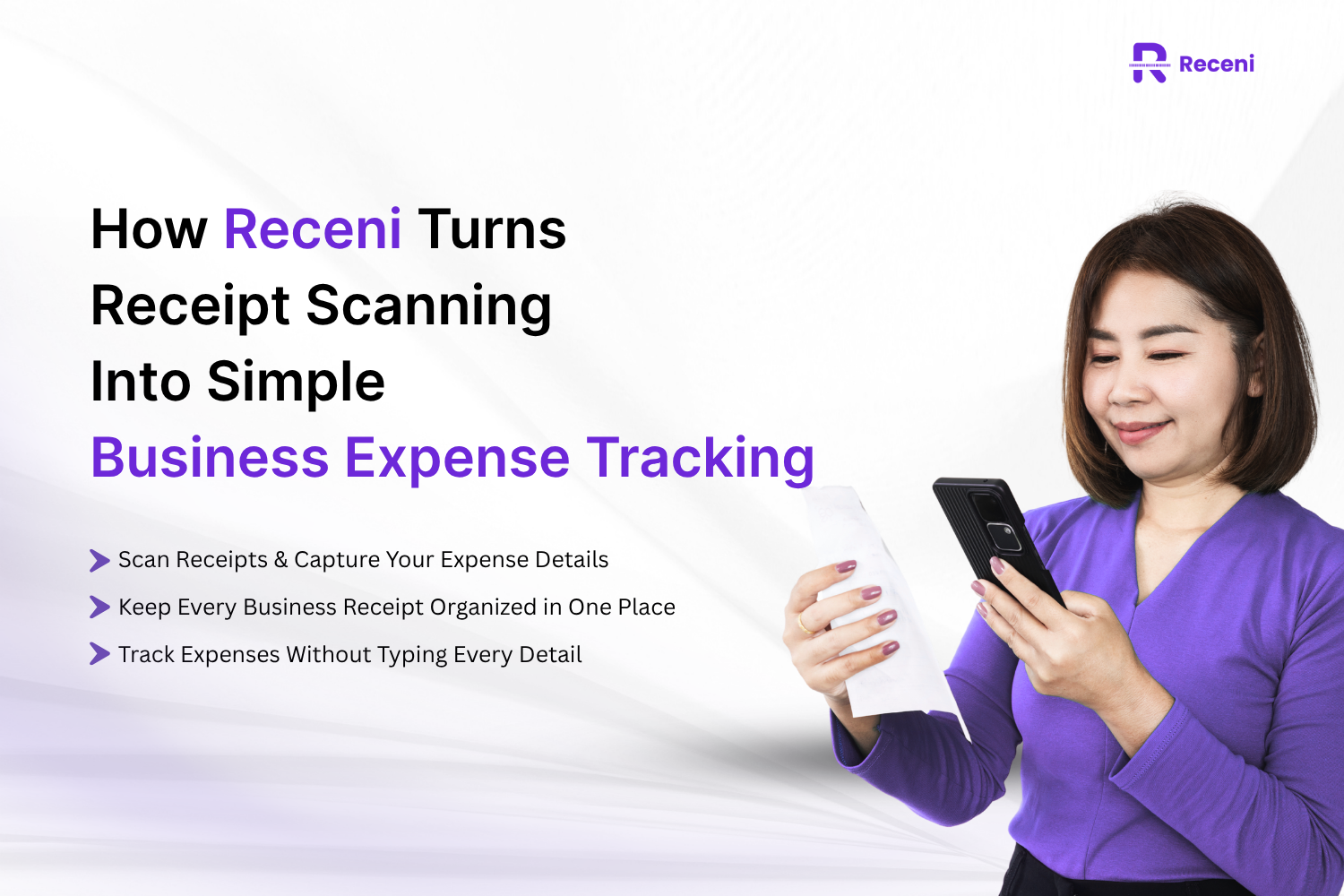
Receni is designed to make receipt and expense management easier for people who do not want to spend hours entering expenses manually.
Scan Receipts and Capture Your Expense Details
You can take a photo of a receipt or upload one.
Receni's AI can extract important information such as the merchant, date, tax, total, and line items, which helps turn a paper receipt into a digital expense record.
Keep Every Business Receipt Organized in One Place
Instead of keeping receipts in different places, you can store your expense records digitally.
This makes it easier to find information when you need it.
Track Expenses Without Typing Every Detail
Manual data entry is one of the most time-consuming parts of expense tracking.
Receipt scanning can reduce that work by capturing information from the receipt for you.
See Where Your Business Money Is Going
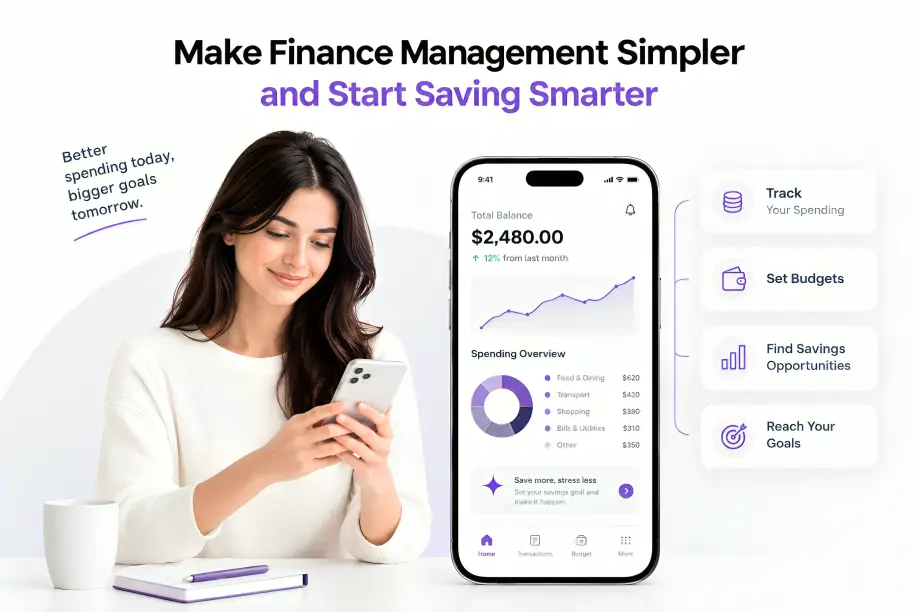
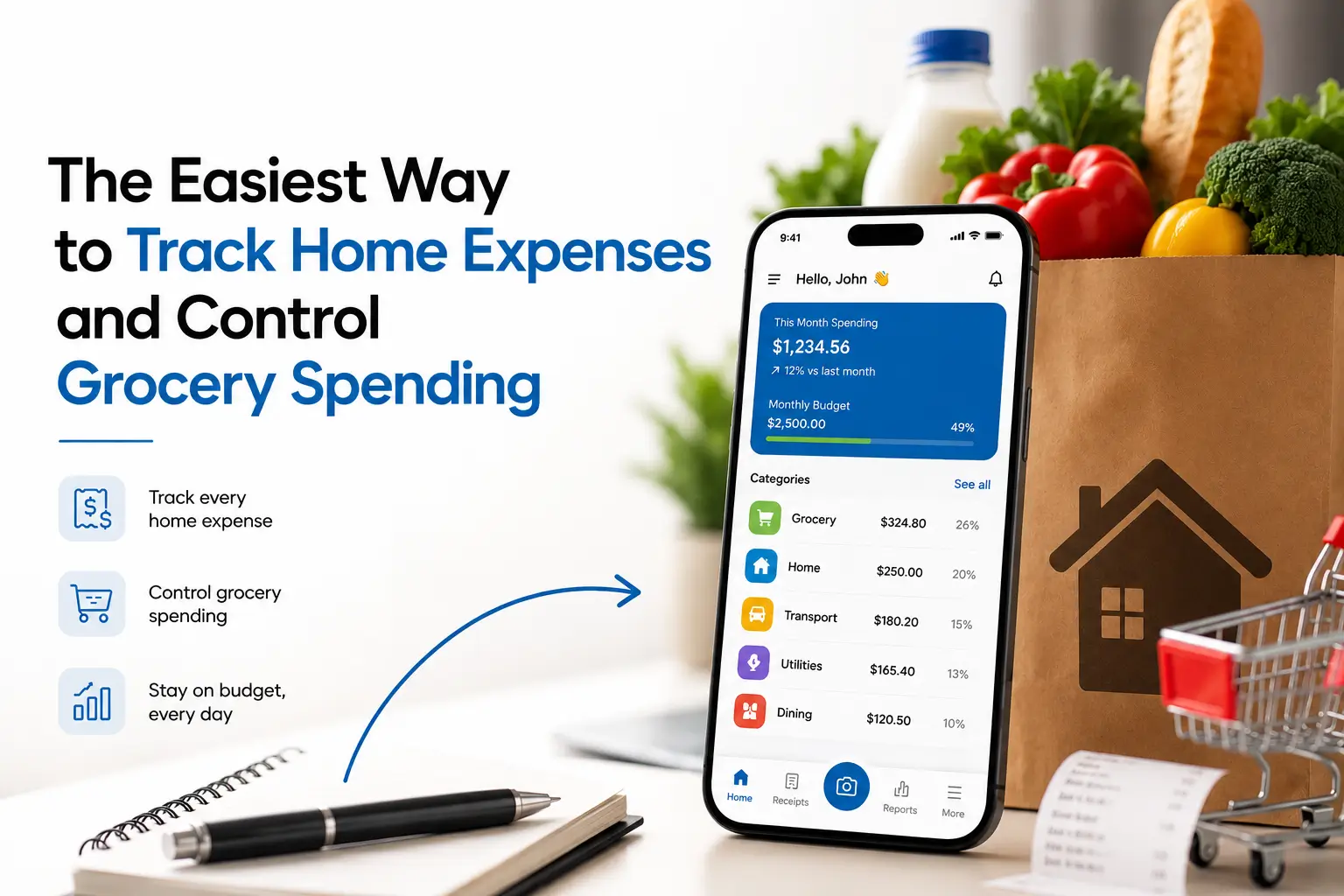
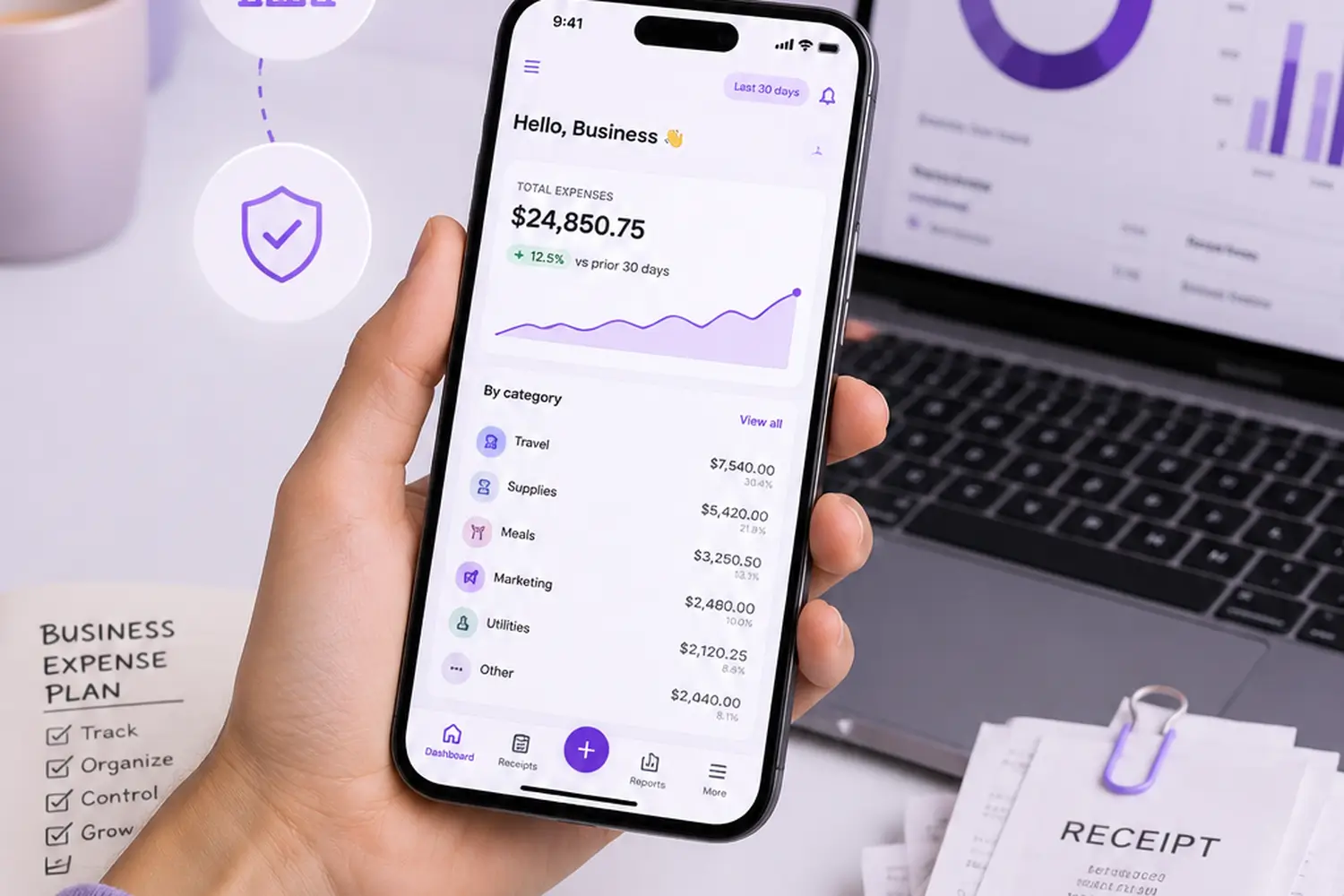
Receni also provides expense dashboards and category breakdowns to help you understand your spending.
You can set budgets and export your expense records as CSV files when you need them.
Self-Employed? Here’s a Simpler Way to Track Your Expenses
If you are self-employed, you often handle everything yourself.You find clients, deliver the work, send invoices, pay bills, and manage your expenses.
That makes a self-employed expense tracker useful.Instead of keeping receipts in different places, you can create one system for recording and organizing your business spending.
Why Freelancers and Self-Employed Professionals Lose Track of Expenses
Self-employed professionals often have expenses throughout the day.A freelancer may pay for software.A consultant may travel to meet a client.A photographer may buy equipment.A small business owner may pay for advertising.When these expenses are not recorded right away, they are easy to forget.
Use a Self-Employed Expense Tracker Instead of Chasing Receipts
A digital expense tracker gives you one place to record and review your expenses.
For people who deal with many receipts, receipt scanning can make the process even easier.
Make Expense Tracking for Self-Employed Work Less Manual
The goal is simple: spend less time entering information and more time doing your actual work.
A tool that captures receipt details automatically can help make expense tracking for self-employed work much easier.
Which Business Expenses Should Small Businesses Be Tracking?
The expenses you need to track depend on your business.
However, many small businesses have similar spending categories.
Office and Equipment Expenses
This can include office supplies, computers, furniture, tools, and other equipment used for business.
Travel and Business Meal Expenses
If you travel for work or meet clients, keep records of related expenses and receipts.
Software, Subscriptions, and Online Services
Monthly software subscriptions can easily be forgotten.
Track them so you know exactly what your business is paying for.
Marketing and Advertising Expenses
Track spending on paid ads, social media tools, design services, websites, and other marketing activities.
Keeping these expenses organized can also help you compare spending with your marketing results.
5 Business Expense Tracking Mistakes That Cost Small Businesses Time
Even with a good system, small mistakes can make expense management harder.
1. Waiting Until Tax Season to Organize Expenses
Trying to remember months of purchases at once creates unnecessary work.
2. Losing Receipts Before They’re Recorded
A missing receipt can make it harder to verify an expense later.
3. Mixing Personal and Business Expenses
Mixed records make it harder to understand your actual business spending.
4. Recording Expenses Manually Every Time
Typing every receipt detail takes time and can lead to mistakes.
5. Having Receipts but No Organized Expense History
Keeping receipts is not enough.
You also need a system that makes those records easy to search, review, and use.
Is Receni the Best Expense Tracking App for Your Business?
There is no single best app for managing business expenses for every business.
The right choice depends on how many expenses you have, how you store receipts, and how much manual work you want to do.
If your main problem is paper receipts and manual entry, Receni can help simplify the process with AI receipt scanning, expense organization, budgets, dashboards, and digital records.
For a small business owner or self-employed professional, the biggest benefit is simple: less time spent chasing receipts and entering expense details.
Ready to Stop Chasing Receipts? Start Tracking Business Expenses With Receni
You do not need a complicated system to take control of your business expenses.
Start by capturing your receipts when you spend.Organize them.Review them.And keep your business expense records in one place.
With the right business expense trackingsystem, you can spend less time sorting receipts and more time running your business.
Ready to make expense tracking easier? TryReceniand turn your receipts into organized digital expense records.