AI Receipt Scanner: Scan, Extract & Organize Receipts Automatically
CanDev Team
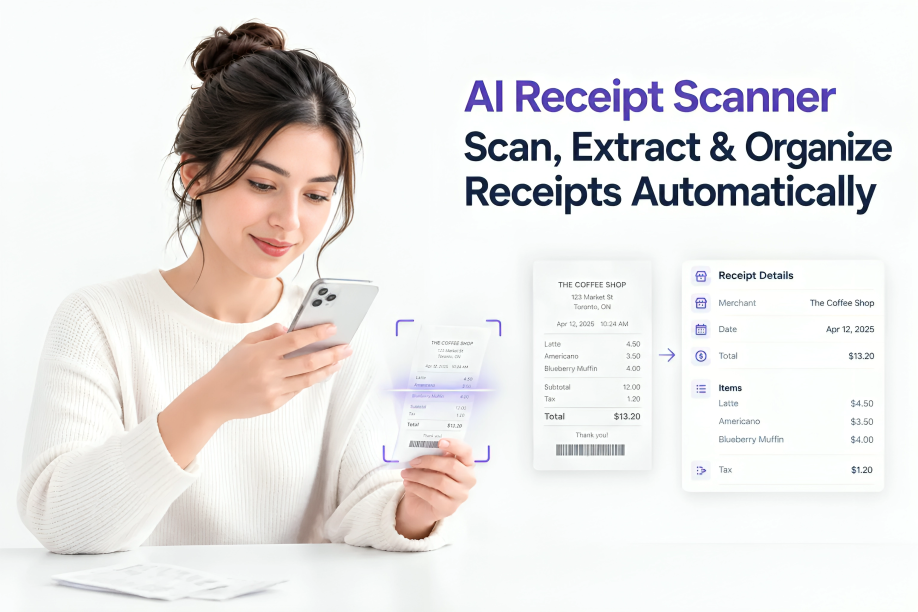
Table of contents
Learn how an AI receipt scanner can scan, extract, and organize receipt data automatically, making expense tracking and recordkeeping easier.
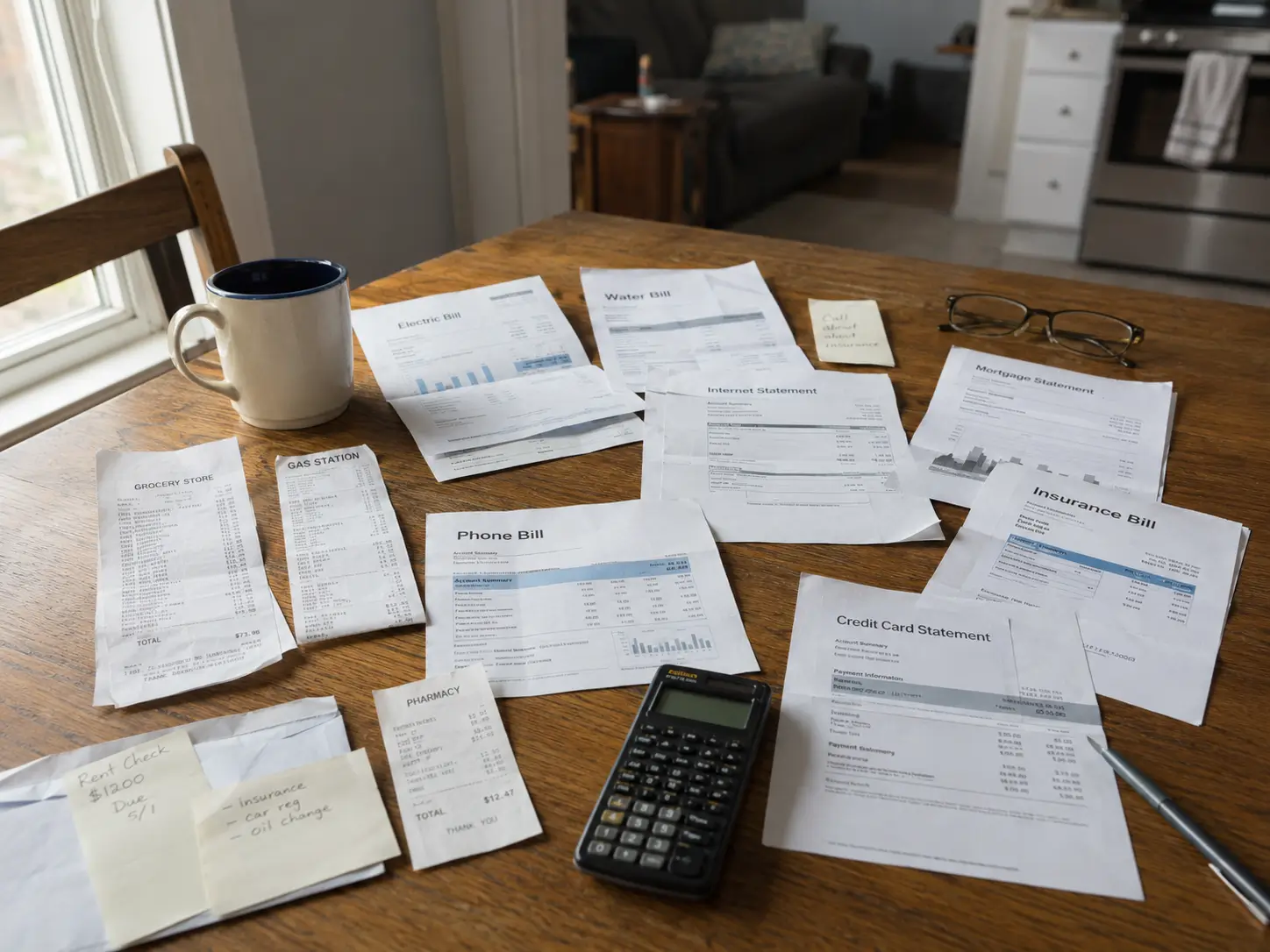
A receipt is easy to ignore when you first get it. You pay, put the slip in your wallet, and tell yourself you'll deal with it later.Then later becomes next week. A few receipts end up in your car, some in your email, and others disappear into your camera roll.The rest are sitting in your inbox somewhere between newsletters.
Most of us don't lose receipts on purpose. They pile up while we're busy, and then a deadline shows up and we spend a Sunday flattening paper on the kitchen table.
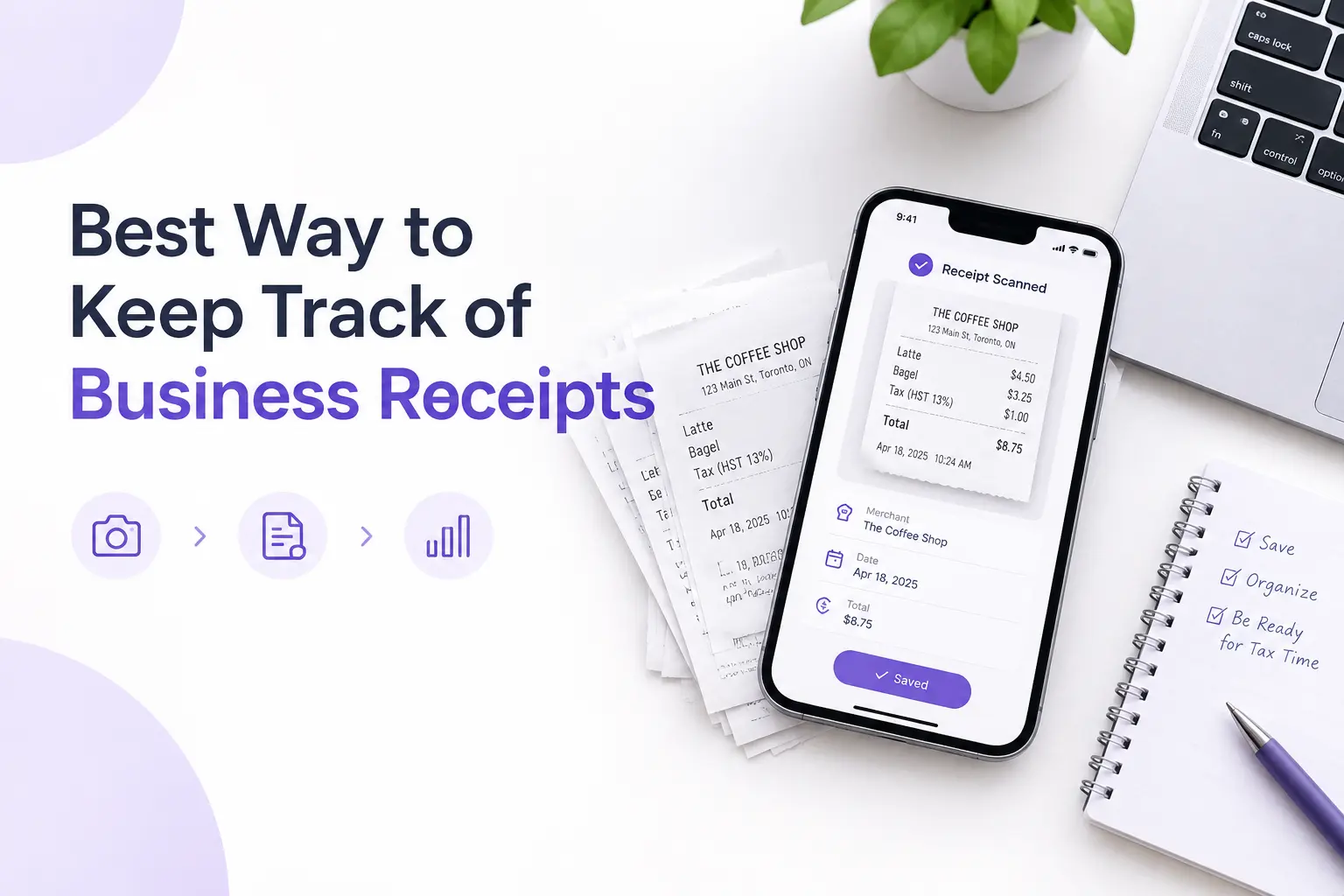
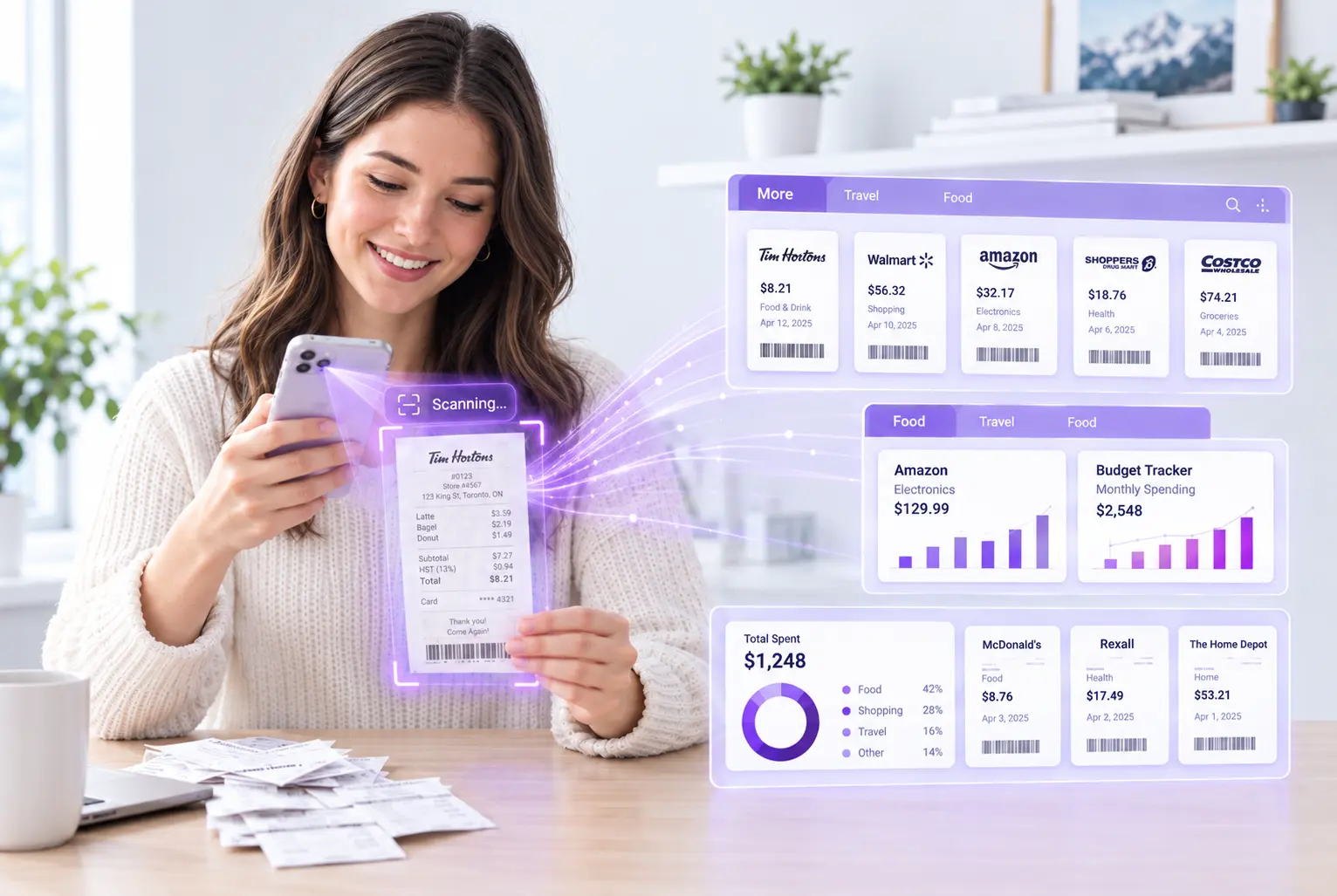
An AI receipt scanner can change that routine. Instead of manually typing the merchant, date, tax, and total into a spreadsheet, you can take a photo and let AI turn the receipt into structured expense data.
For freelancers, small business owners, and anyone who regularly tracks expenses, that means less data entry and fewer receipts sitting around waiting to be organized.
What Is an AI Receipt Scanner?
An AI receipt scanner reads a receipt the way a bookkeeper would, only faster. First, receipt OCR (optical character recognition) turns the printed letters in your photo into plain text. Then the AI works out what that text means: which line is the store, which is the tax, which number is the total.
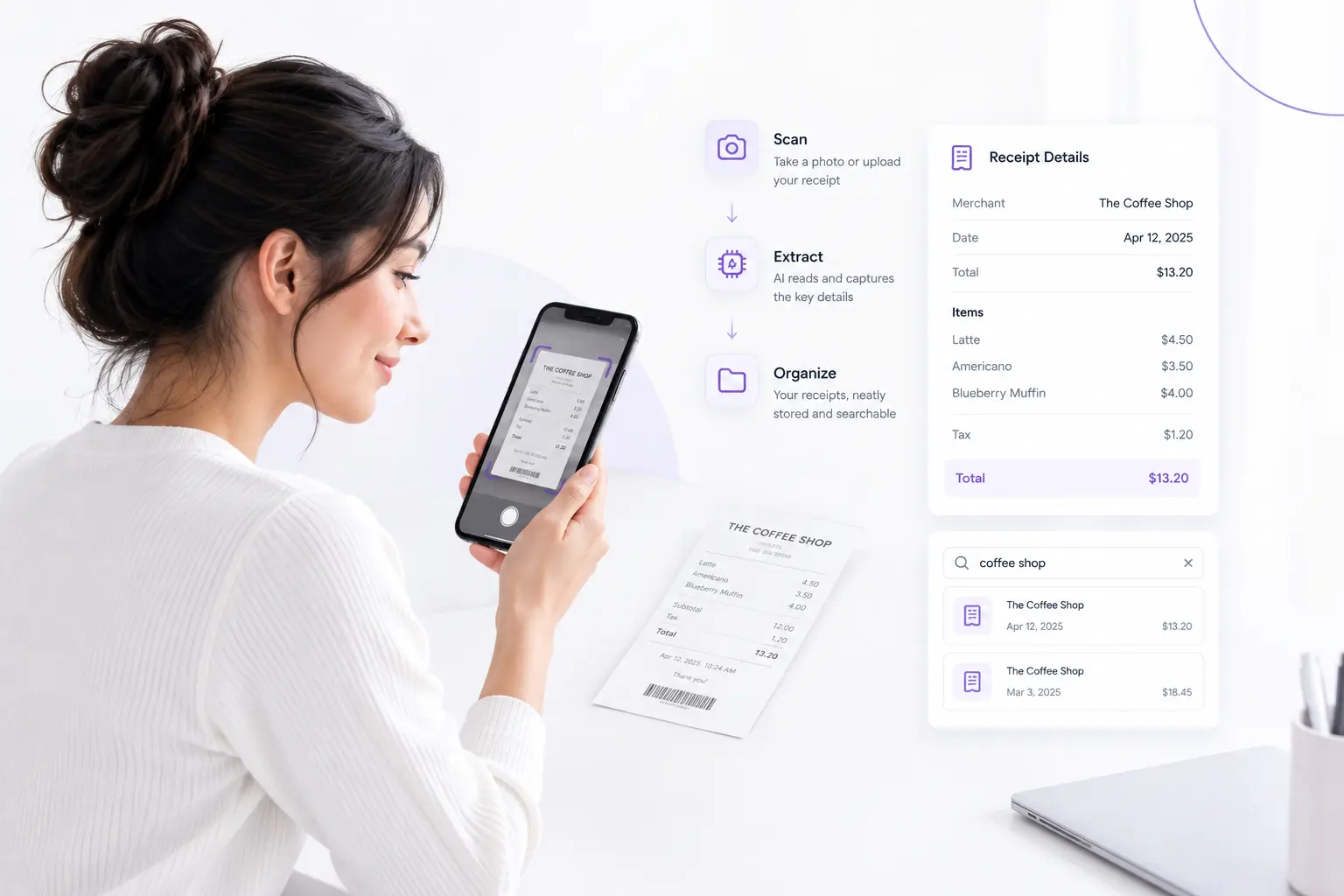
Depending on the tool, you'll get the store name, purchase date, line items, subtotal, tax, total, currency, and a suggested category.
A plain photo can't do any of that. You can't search it, and you can't add up a month of them. Once the details are pulled out as data, you can sort and total them in seconds. That's the real job of receipt data extraction.
How an AI Receipt Scanner Works
There are four steps, and none of them is hard.
1. Take a Photo of the Receipt
Use your phone camera, or upload a photo or PDF you already have. Lay the slip flat if you can. It helps more than you'd think.
2. AI Reads the Receipt
The software looks at the words and where they sit on the page. Stores usually print their name at the top and the total near the bottom, so the receipt OCR can use that layout to tell a tax line from a date.
3. Important Data Is Extracted
Every detail gets its own field, so nothing stays trapped inside the picture.
4. Review and Save
Take a few seconds to check the result. Faded thermal paper, glare, and blurry shots can fool any scanner, even a good one. Fixing one wrong digit is quicker than typing the whole receipt.
What Information Can AI Extract From a Receipt?
That depends on the receipt and on the tool. Say you spend $86.40 at Office Depot on September 18. By hand, you'd type the store, the date, the amount, and a category. With AI receipt scanning, you take the photo and those fields fill themselves in.
Better tools also read line items and tax. That matters when you need to know what you bought, not only what it cost. Receni works this way. As an expense receipt scanner, it pulls the merchant, date, tax, total, and line items, and you look it over before saving.
AI Receipt Scanner vs. Manual Data Entry
Manual entry still works. The problem is the amount of repetitive work involved.
Manual receipt tracking
AI receipt scanning
Type the merchant name
Merchant is read for you
Enter dates by hand
Date is found on the receipt
Copy the total
Total is extracted
Sort receipts yourself
Expenses can be categorized
Search through folders
Records are searchable
Review everything at tax time
Review all year long
None of this makes bookkeeping disappear. What changes is timing. You log the expense while you still remember it, so month-end has one less chore.
Who Can Benefit From an AI Receipt Scanner?
You do not need to run a large company to benefit from automated receipt scanning.
Freelancers
Freelancers often have personal and business purchases on the same card. A receipt scanner with AI lets you keep the business ones together without building a new spreadsheet every month.
Small Business Owners
Small business owners deal with supplies, fuel, software, meals, and equipment. That easily adds up to hundreds of slips, and an expense receipt scanner keeps the stack from growing.
Self-Employed Professionals
Self-employed people, like designers, consultants, and contractors, need solid records but would rather be doing the actual work. Less typing makes it more likely they'll keep up.
Anyone Tracking Personal Spending
You can also use receipt scanning for personal expenses. Grocery spending, household purchases, travel, and other categories become easier to review when the information is stored digitally.
Can an AI Receipt Scanner Help With Tax Records?
Yes, but there is an important distinction: a receipt scanner helps organize your records; it does not decide whether an expense is legally deductible.
In Canada, the Canada Revenue Agency expects businesses to keep records that back up their income and expenses, generally for six years after the last tax year they cover. Electronic copies are accepted if they're readable and can be produced on request. The IRS takes a similar view: receipts, invoices, and paid bills can all support what you report on a return.
So, if you are using an AI receipt scanner for tax purposes, think of it as part of your recordkeeping system rather than a replacement for proper accounting records.
For official guidance, see the CRA's business records guidance and the IRS recordkeeping guidance.
What Makes a Good AI Receipt Scanner?
The AI label alone does not tell you whether a receipt scanner is useful.
Look for features that solve the actual problems you have.
Accurate Data Extraction
The scanner should recognize practical information such as the merchant, date, tax, total, and relevant line items.
A Review Step
You should be able to check the information before it becomes part of your expense records. This gives you control when a receipt is difficult to read.
Expense Organization
Scanning is only half the job. Your receipts should become useful records that you can sort, categorize, and review later.
Export Options
If your accountant or tax software needs your data, exporting your expenses can save another round of manual entry.
Personal and Business Separation
If you use the same phone or payment cards for personal and business spending, separate workspaces or accounts can make recordkeeping much easier.
Search Receipts Easily
Think about the last time you needed one old receipt. Camera roll first, then email, then the junk drawer, right?A digital receipt scanner stops that hunt.
Each slip becomes a record you can search by merchant, date, amount, or category, and it comes up in seconds. Looking back over past purchases gets a lot less painful.
The Benefits Go Beyond Scanning
An AI receipt scanner is not simply a faster camera for receipts. Its real value comes from what happens after the receipt is scanned.
Less manual entry
AI can extract information that you would otherwise have to type yourself.
Faster receipt searches
Structured information makes it easier to find a specific transaction later.
Better organization
Receipts can be connected to dates, merchants, categories, and amounts instead of sitting as unnamed image files.
Fewer forgotten expenses
When you scan receipts as you receive them, there is less chance of leaving business purchases undocumented until the end of the month.
Easier tax preparation
Organized records can make it easier to review your expenses and provide supporting documentation when needed.
Less time spent on administration
Instead of spending an afternoon sorting receipts, you can build the habit of capturing and organizing them as you go.
The biggest benefit is simple: you spend less time looking for receipts and more time using the information they contain.
How Receni Turns Receipt Photos Into Expense Records
Receni is built around a simple idea: capture the receipt when you have it instead of dealing with a pile of receipts later.
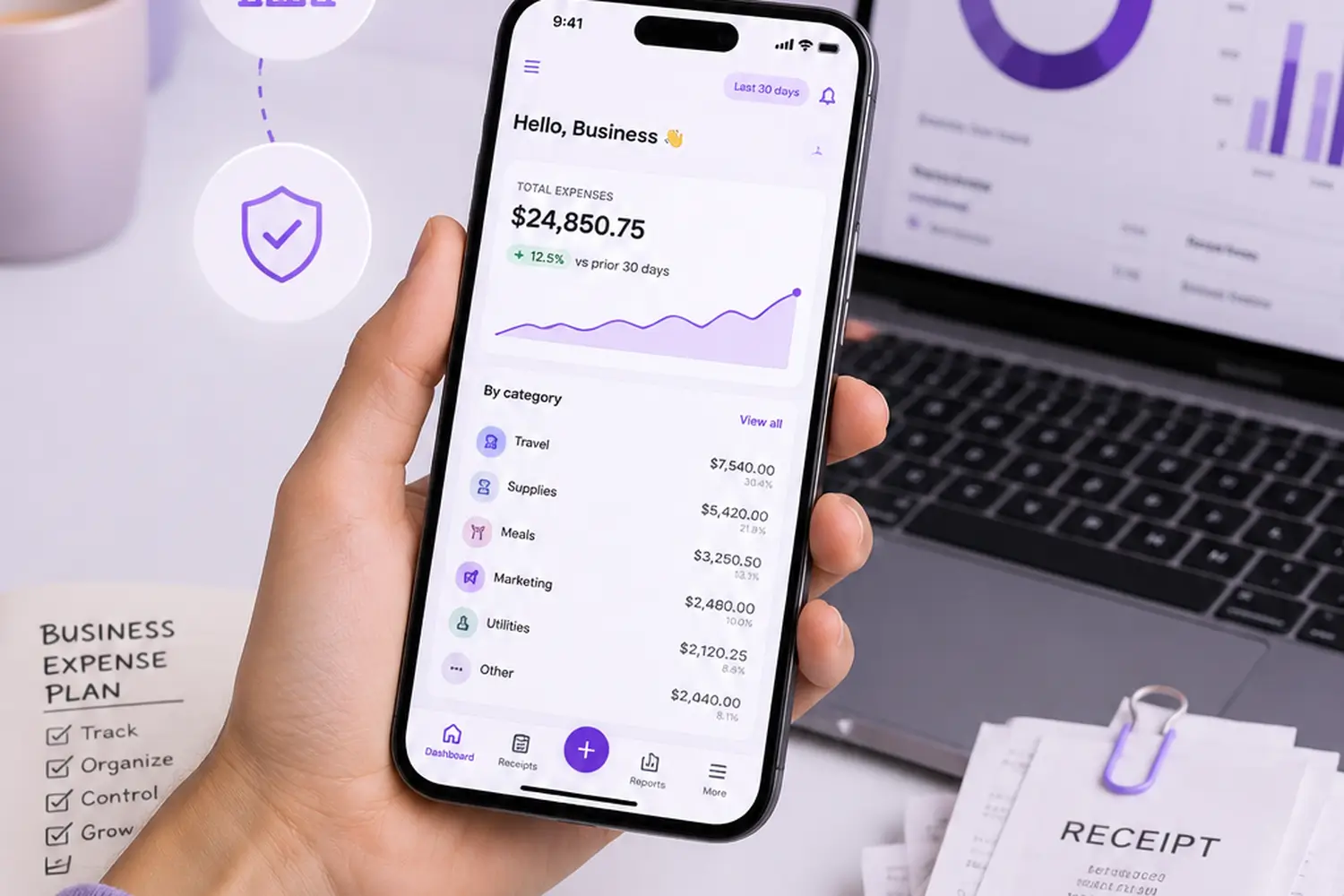
You take a photo or upload a file, and Receni's AI reads the merchant, date, tax, total, and line items. You review the result and save it. From there the expense sits in your dashboard, where you can view spending by category and date range. Receni also handles budgets, multi-currency tracking, and CSV exports for bookkeeping and tax prep. Separate workspaces keep business costs apart from personal ones. As an AI receipt scanner app and AI expense tracker in one, it suits people who don't want to learn accounting software first.
Curious how it compares with a traditional platform? Read the Receni vs. Expensify comparison, or try Receni yourself.