How a Receipt Scanner Improves Expense Tracking and Financial Efficiency
CanDev Team
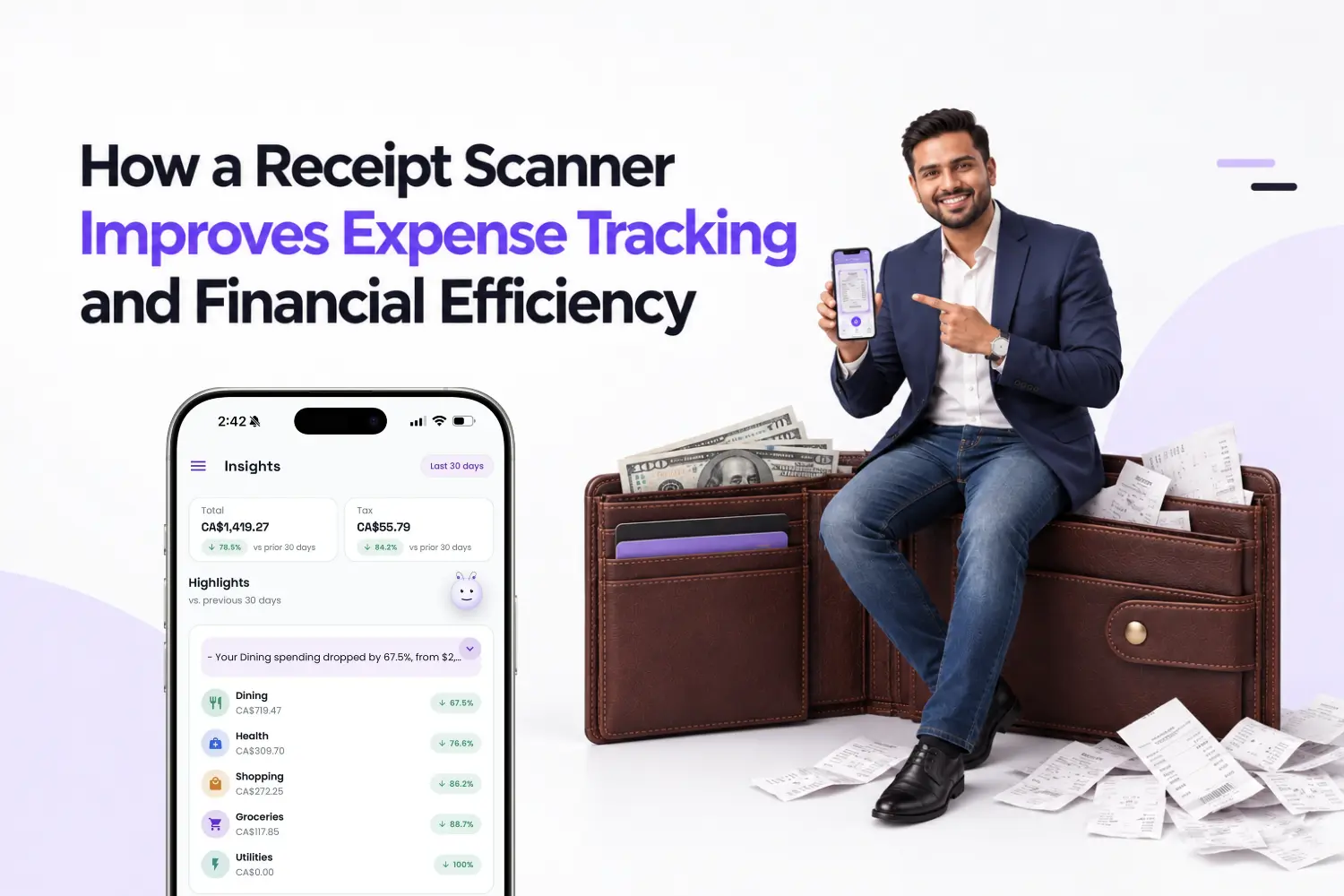
Table of contents
Discover how a receipt scanner simplifies expense tracking, automates data entry, and helps freelancers and small businesses organize receipts.
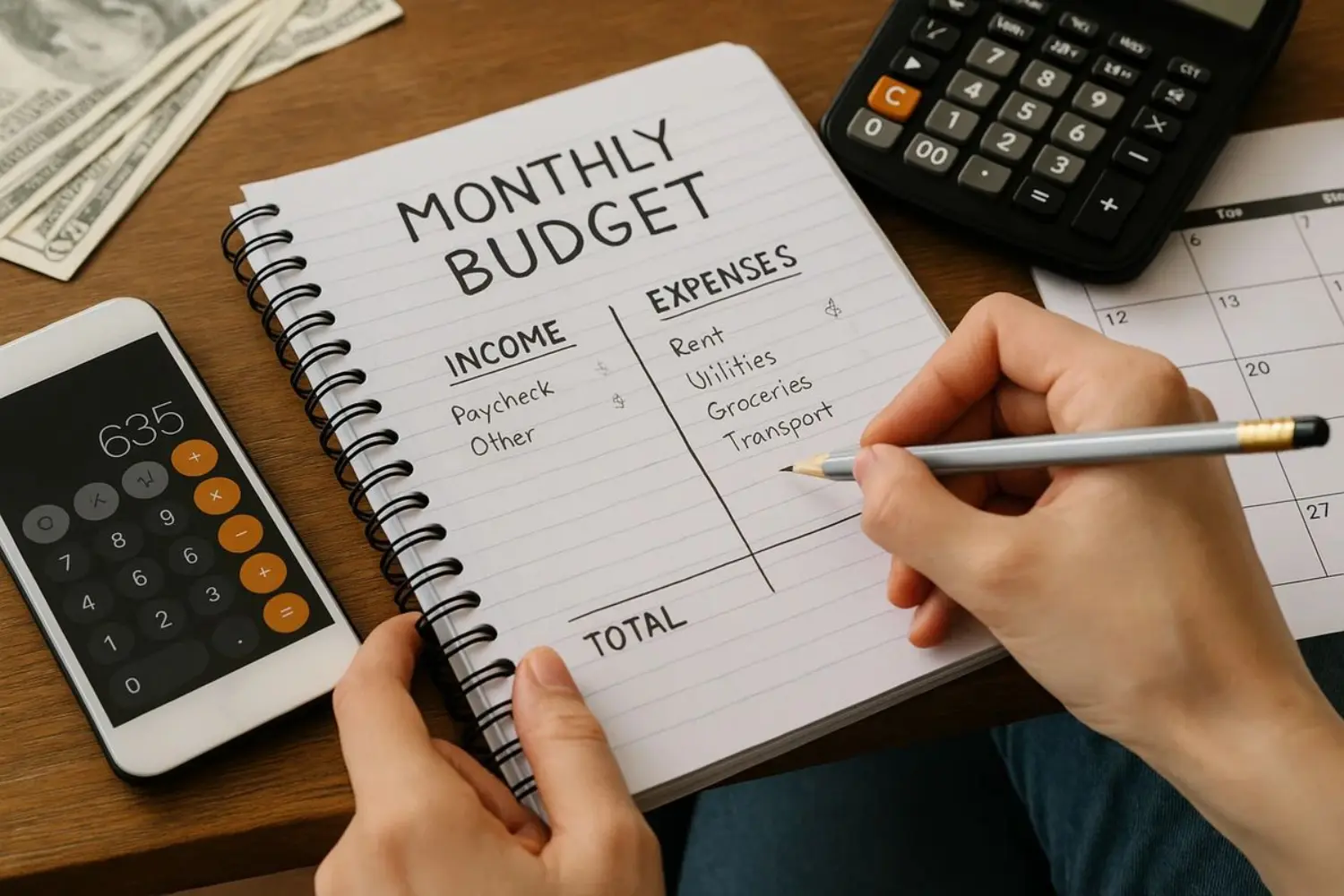
Managing receipts can become a time consuming task when paper slips accumulate, expenses go unrecorded, and important transaction details are difficult to find. For freelancers, small business owners, and individuals managing personal finances, keeping accurate expense records is essential for understanding spending and maintaining organized financial information.
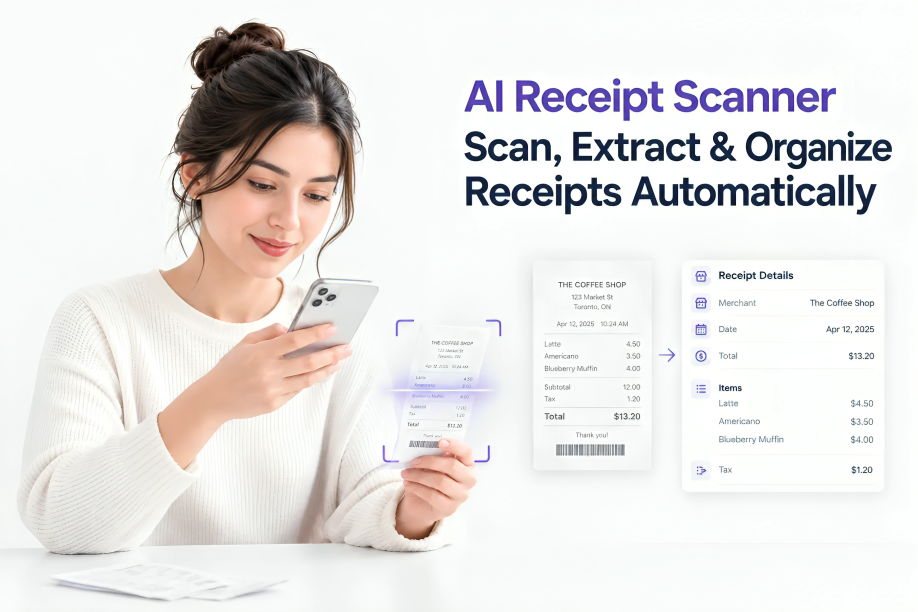
A receipt scanner simplifies this process by converting paper receipts into digital records. Instead of manually entering every transaction, you can capture a receipt with your smartphone and use automated technology to extract details such as the merchant, purchase date, tax, and total amount.
With the right system, receipt scanning can reduce repetitive work, improve expense visibility, and make financial records easier to manage. This article explains how scanning technology works, which features matter when choosing an app, and how digital receipts can support better financial organization.
1. What Is a Receipt Scanner?
A receipt scanner is a physical device or software application that converts receipts into digital records. While traditional scanners create images of paper documents, modern mobile applications can also extract transaction details and organize them for expense tracking.
Many applications use optical character recognition (OCR) and artificial intelligence (AI) to identify and process information from receipt images.
For example, after you photograph a receipt from an office supply store, the software may identify the merchant, transaction date, individual items, tax, and final total. You can review the extracted details and save the record digitally instead of typing everything into a spreadsheet.
If you want to understand the technology in more detail, read Receni's article on how an AI receipt scanner extracts and organizes receipt data.
How OCR and AI Make Receipt Scanning Easier
OCR technology recognizes printed text within an image. AI-powered processing can help interpret that text and identify which values represent a merchant name, date, subtotal, tax, or transaction total.
An OCR receipt scanner can therefore do more than store a picture. When supported by the application, it can turn the information in that picture into searchable, structured expense data.
However, extraction accuracy depends on image quality, receipt layout, and the software being used. Faded printing, unusual formats, and handwritten information may require manual corrections. Reviewing extracted details is especially important when maintaining business records.
2. What Are the Benefits of Using a Receipt Scanner?
Digitizing receipts offers more than a convenient way to store purchase records. It can improve expense tracking, simplify administrative tasks, and make financial information easier to retrieve.
Improved Expense Tracking and Data Accuracy
Manual expense entry requires you to read receipts and type transaction details into a spreadsheet or accounting system. This creates opportunities for typing errors, missing transactions, and inconsistent records.
Automated receipt scanning can extract common fields, reducing the amount of information you need to enter yourself. Reviewing the results before saving helps identify incorrect totals, missing tax information, or misread dates.
For example, a freelancer who buys software subscriptions, office supplies, and travel tickets can keep transaction details organized without manually recording every field.
Greater Efficiency and Less Manual Work
Searching through paper receipts and entering transaction details takes time away from more valuable work.
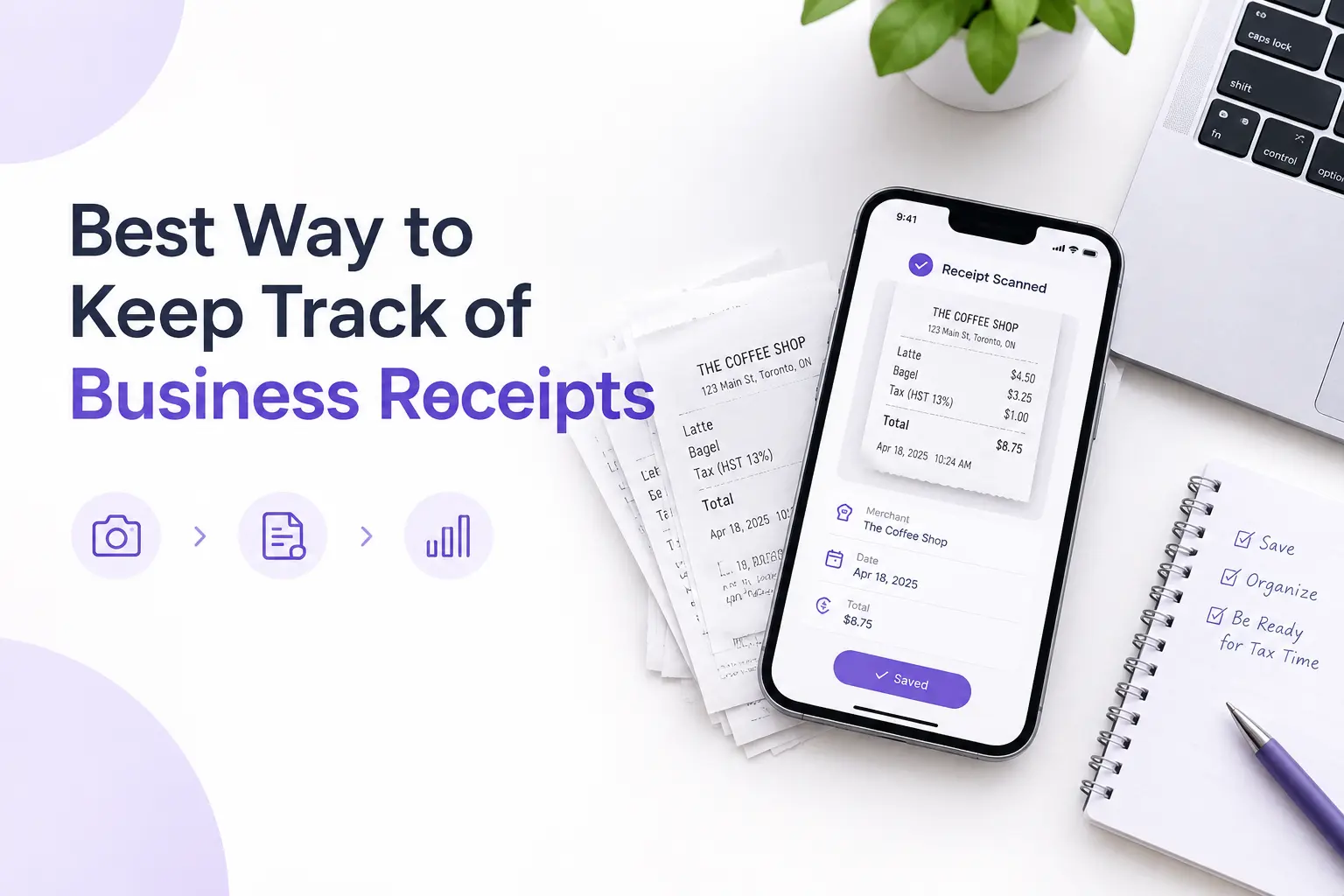
A digital workflow can simplify the process into three steps: capture the receipt, review the extracted information, and save the record. For people who handle receipts frequently, this reduces repetitive administrative work.
The greatest benefit comes from consistency. Scanning receipts shortly after a purchase is generally easier than sorting through several weeks of accumulated paperwork.
Easier Receipt Organization and Retrieval
Paper receipts can fade, become damaged, or disappear in wallets, folders, and drawers. Digital records make it easier to find a transaction without searching through piles of documents.
Depending on the application, you may be able to organize receipts by merchant, date, expense category, or account. Searchable records also make it easier to locate a particular purchase when reviewing a budget or preparing bookkeeping information.
For practical instructions, see Receni's guide on how to digitize receipts and organize them digitally.
Better Visibility Into Personal and Business Spending
A well-organized collection of receipts provides a clearer picture of where money goes.
For example, a small business might review software subscriptions, marketing costs, office supplies, and travel expenses. A household might monitor grocery purchases, transportation, and recurring bills.
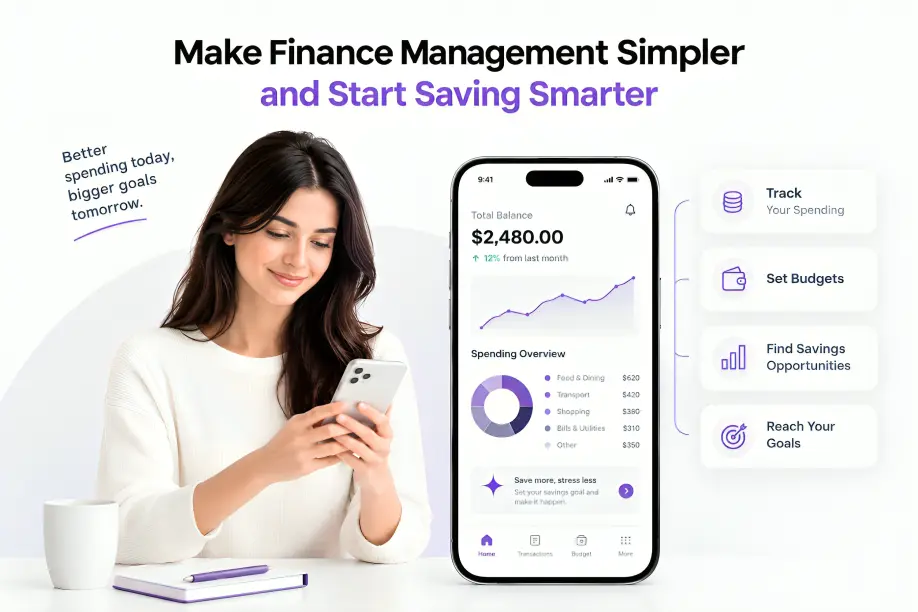
When transaction details are consistently categorized, expense summaries can help reveal spending patterns and identify areas that deserve closer attention.
Simplified Bookkeeping and Tax Preparation
Organized receipts can make bookkeeping easier by keeping supporting purchase information accessible. Freelancers and business owners can use digital records to review expenses, reconcile transactions, and prepare information for an accountant.
The Canada Revenue Agency explains that businesses must maintain records supporting their income and expense claims. Its business recordkeeping guidance also explains the importance of retaining appropriate supporting documents.
In the United States, the IRS provides similar guidance in its resource on starting a business and keeping records.
Scanning a receipt does not automatically make an expense tax-deductible or guarantee that a digital copy meets every legal requirement. Recordkeeping rules differ by jurisdiction, so check the rules applicable to your business and retain original documents when necessary.
3. How Does a Receipt Scanner Improve Financial Efficiency?
Financial efficiency is not simply about spending less money. It also involves reducing administrative work, maintaining useful records, and making financial information easier to understand.
Automating Receipt Data Extraction
One of the most useful features of modern scanning software is automatic data extraction.
Instead of manually typing the merchant, date, subtotal, tax, and total for every transaction, you can let the software identify these fields from the receipt image.
This can be particularly helpful for freelancers and small businesses that process receipts from multiple vendors. However, unusual layouts, poor lighting, and faded printing may still require manual corrections.
Organizing Expenses by Category and Date
Categorization turns a collection of receipts into meaningful financial information.
A small business might organize expenses into categories such as:
Software and online services
Office supplies and equipment
Travel and transportation
Meals and business purchases
Marketing and advertising
Consistent categories make monthly reviews easier and help identify changes in spending. Your categories should reflect your actual needs and, where applicable, your accountant's bookkeeping practices.
Making Expense Reviews and Reporting Easier
Digital receipt records can help you review transactions for a particular week, month, or financial year. If your application supports CSV exports, you can transfer relevant information into spreadsheet software for further analysis.
This is useful when preparing expense summaries, reviewing business costs, or sharing records with a bookkeeper. Before relying on an export, check that it contains the fields and supporting information required for your workflow.
Identifying Spending Patterns
Organized transaction data can reveal trends that are difficult to spot when receipts are scattered across different locations.
For example, a freelancer might discover that software subscriptions have increased over several months. A small business might notice higher transportation costs or repeated purchases from the same supplier.
A scanning app will not automatically make financial decisions for you, but it can provide better-organized information to support budgeting and spending reviews.
4. What Should You Look for in a Receipt Scanner?
Not every scanning tool offers the same capabilities. Before choosing an app, consider the number of receipts you handle, how you use expense information, and which features will save you the most time.
OCR Accuracy and Automatic Data Extraction
Look for an application that can identify common receipt fields, including merchant names, dates, tax amounts, and totals. If you need more detailed expense records, check whether it can also extract individual line items.
Consider how easily you can correct errors. A tool that extracts information quickly but makes corrections difficult may not be practical for regular use.
Expense Categorization and Searchable Records
A useful app should make it easy to retrieve a receipt without opening every saved image. Search, date filters, merchant details, and expense categories can make a noticeable difference as your collection grows.
If you manage both personal and business spending, check whether the app lets you separate those records clearly.
Multi-Currency Support and Export Options
Multi-currency support is valuable if you travel, purchase international services, or work with clients in different countries.
Export options are also worth checking. CSV files, for example, can help you review expenses in spreadsheet software or transfer data into compatible bookkeeping workflows. Confirm which fields are included and whether the export format meets your needs.
Data Security, Privacy, and Backup Features
Receipts may contain sensitive purchase details and information about your business activities. Review how an application handles stored information, account access, data retention, and deletion.
Check its privacy policy and available security controls before uploading financial documents. Maintain backups of important records and ensure that you can retrieve them when needed.
Pricing and Free-Plan Availability
Compare the price of an app with the features you will actually use. Some applications limit scans, storage, automatic processing, or exports on free plans.
If you scan only a few receipts each month, a basic tool may be enough. If you handle expenses regularly for a business, automatic extraction, categorization, and export capabilities may provide greater value.
5. Mobile Receipt Scanning: A Faster Way to Manage Expenses
A smartphone makes it possible to capture receipts immediately instead of leaving them in your wallet until the end of the month.
How to Scan Receipts Using Your Smartphone
Follow these steps to create a consistent workflow:
Capture the receipt. Place it on a flat surface with sufficient lighting and photograph the entire document.
Check the image. Make sure the text is readable and that the merchant, date, tax details, and total are visible.
Extract the information. Allow the application to process the image and identify transaction details.
Review the results. Compare the extracted merchant, date, subtotal, tax, and total with the original receipt.
Save and organize. Assign an appropriate expense category and store the record in your digital collection.
Processing receipts shortly after purchase helps prevent forgotten transactions and reduces the effort required during monthly bookkeeping.
Best Practices for Clear and Accurate Scans
Avoid shadows, glare, blurry photographs, and cropped receipt edges. Keep receipts flat when possible, and check that faded thermal-paper text remains legible before discarding the original.
For important business purchases, confirm that the saved record contains the information you need. Do not assume every digital image can replace the original document under applicable recordkeeping rules.
Managing Paper and Digital Receipts Together
Not every receipt arrives on paper. Online purchases often generate email confirmations, PDF invoices, or downloadable receipts.
A practical system should account for both physical and digital documents. Store them consistently, avoid recording the same transaction twice, and retain supporting invoices or payment confirmations when relevant.
For more detailed instructions, follow this guide to digitizing and storing receipts digitally.
6. How to Choose the Right Receipt Scanner for Your Needs
The best option depends on how many receipts you handle, how you use expense information, and whether you need to share records with other people.
For Individuals and Households
If your main goal is to manage everyday spending, prioritize easy scanning, searchable records, expense categories, and simple budget reviews.
A straightforward mobile app may be sufficient if you want to understand household purchases and reduce paper clutter.
For Freelancers and Small Businesses
A business receipt scanner should support the way you manage professional expenses. Depending on your workflow, useful features may include separate personal and business accounts, multi-currency handling, detailed transaction records, and data exports.
Consider whether the application fits your bookkeeping process. If you regularly share expenses with an accountant or review costs across projects, organized records and reliable exports can be especially useful.
7. How Receni Makes Receipt and Expense Management Easier
Receni combines receipt scanning with expense-management features designed to help individuals, freelancers, and small businesses keep transaction records organized.
Instead of manually entering every receipt, users can capture an image and let the app extract key information for review.
Scan Receipts and Extract Key Details With AI
Receni can process a receipt image and extract information such as the merchant, date, tax, totals, and line items. This helps reduce repetitive data entry while keeping transaction information accessible for review.
As with any automated extraction tool, reviewing the results is important before relying on them for bookkeeping or tax-related tasks.
Organize Personal and Business Expenses
Managing different types of spending can become confusing when every transaction is stored without a clear structure.
Receni supports multiple named workspaces, allowing users to separate records such as personal and business expenses. This can make it easier to switch between different sets of transactions and maintain a clearer view of spending.
Track Spending and Review Expense Categories
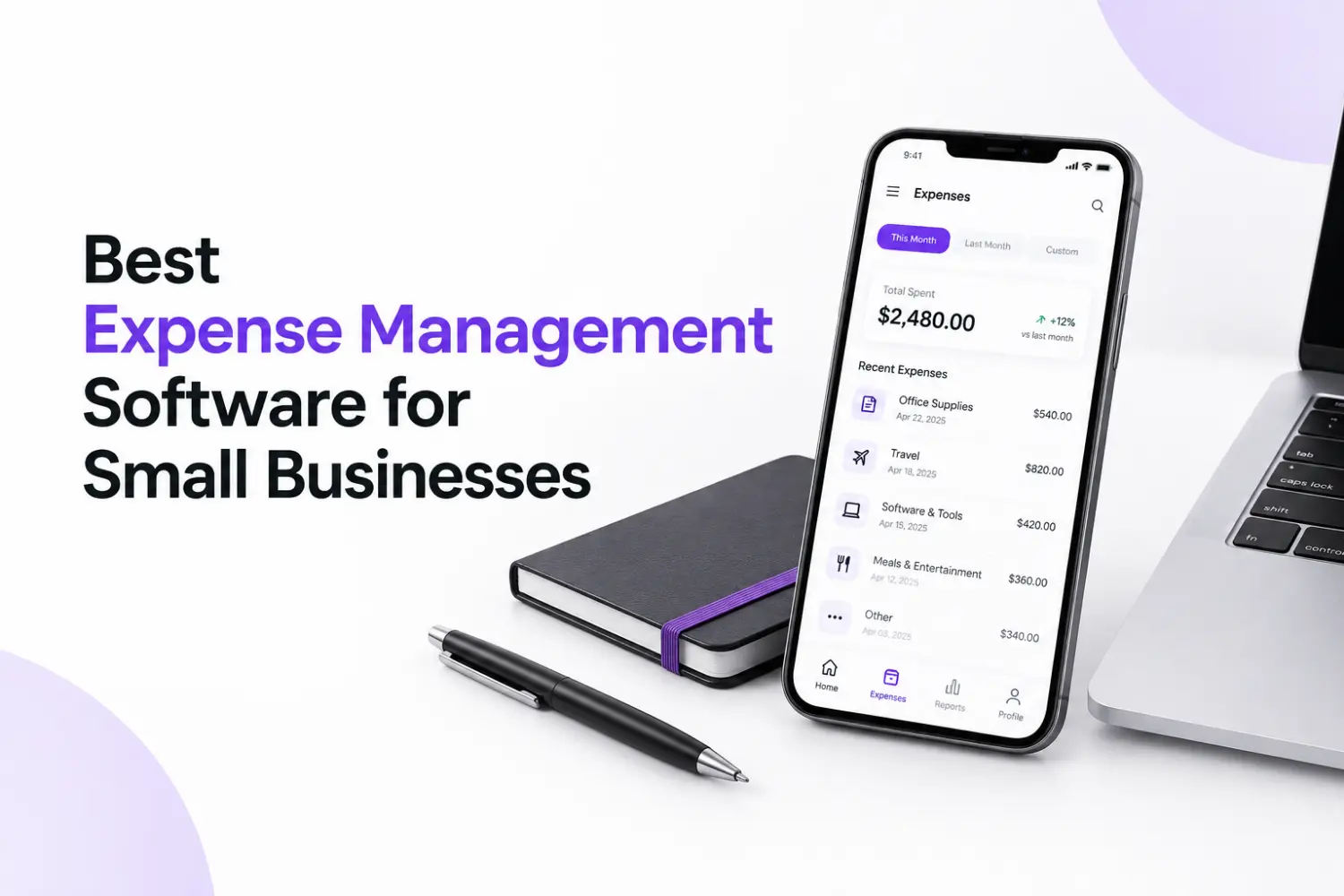
Receni provides expense dashboards, category breakdowns, custom date ranges, and monthly budgets. These features can help users review spending patterns and understand where their money goes.
For freelancers and small business owners, organized expense summaries can support routine financial reviews and budgeting decisions.
Export Expense Data for Bookkeeping
Receni supports CSV exports, which can help users move expense information into compatible spreadsheet workflows. Multi-currency support is also useful for people who make purchases in different currencies.
If you want to combine receipt capture with expense tracking, explore Receni's receipt scanner and expense tracker to see whether its features fit your workflow.
Final Thoughts
Managing receipts does not have to mean keeping piles of paper or entering every transaction manually. A well-chosen receipt scanner can simplify data capture, make expense records easier to search, and support more consistent financial reviews.
The most useful solution is one that fits your routine, extracts information reliably, protects your data, and makes records easy to maintain. Whether you manage household spending, freelance projects, or a small business, a consistent digital receipt workflow can save time and make expense management more manageable.
If you want to bring receipt scanning and expense tracking into one workflow, explore Receni and see how its features can help you organize financial records.