Best Receipt Management App for Accountants, Freelancers & Small Businesses
Candev Team

Table of contents
Find the best receipt management app for fast AI scanning, auto-sorting, and clean exports. Stop losing receipts before tax time.
Best Receipt Management App for Accountants, Freelancers & Small Businesses
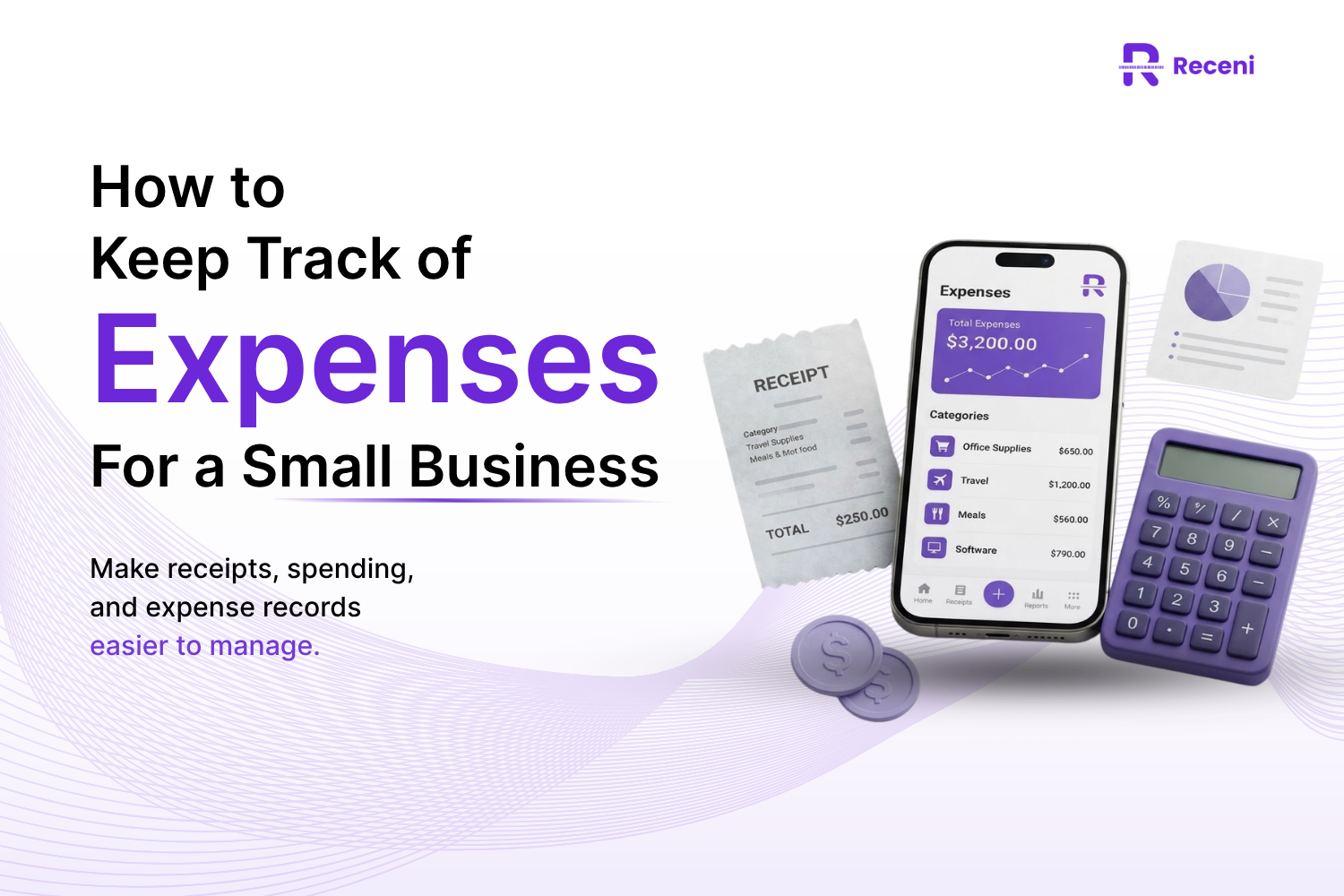
You take a photo of a receipt. Then you forget about it. A week later, you can't find it. Sound familiar?
Maybe you already tried an app keep track of receipts and gave up because it felt like more work, not less. That happens a lot. Not every app is built the same way.
This happens to almost everyone who runs a business or works for themselves. Receipts pile up in bags, wallets, and glove boxes. Then tax season comes, and the stress starts.
The good news? A good app can fix this. But not just any app. You need the best receipt management app for the way you actually work. This guide breaks down what that looks like for accountants, freelancers, and small business owners.
What "Best Receipt Management App" Really Means for Different People
Here's the truth: there is no single best receipt management app for everyone.
An accountant handling ten clients needs something very different from a freelancer tracking coffee receipts for taxes. A small business owner needs team features. Someone tracking home spending just needs something simple.
When people search best receipt management, they usually just want less stress at tax time. That's really the goal behind all of this.
So instead of asking "what's the best app," ask "what's the best app for me." That's the real question this guide answers.
The Real Cost of Loosing Receipts
Let's talk numbers. Many small business owners lose several hours a month just hunting for receipts and typing them into spreadsheets. Over a year, that adds up to more than a full work week, gone.
It gets worse at tax time. In Canada, you're required by law to keep records of all your transactions to support the income and expenses you claim. No receipt often means no deduction. That can cost you real money.
Paper receipts also fade. Thermal paper, the shiny kind from gas stations and grocery stores, can turn blank in just a few months. If you wait too long, your proof disappears before you even open your tax software.
This is why so many people search for an app to manage expenses receipts instead of using paper and folders. It's not about being fancy. It's about not losing money. This is exactly the search that brings most people here: they want the best receipt management app before another folder disappears.
What to Look for in the Best Receipt Management App
Not every app does the same job well. Here's what actually matters.
Scan Accuracy on Real-World Receipts
Receipts aren't always clean and flat. Some are crumpled. Some are faded. A good app should read messy, real-life receipts, not just perfect test photos.
Speed — Manual Entry vs. AI Capture
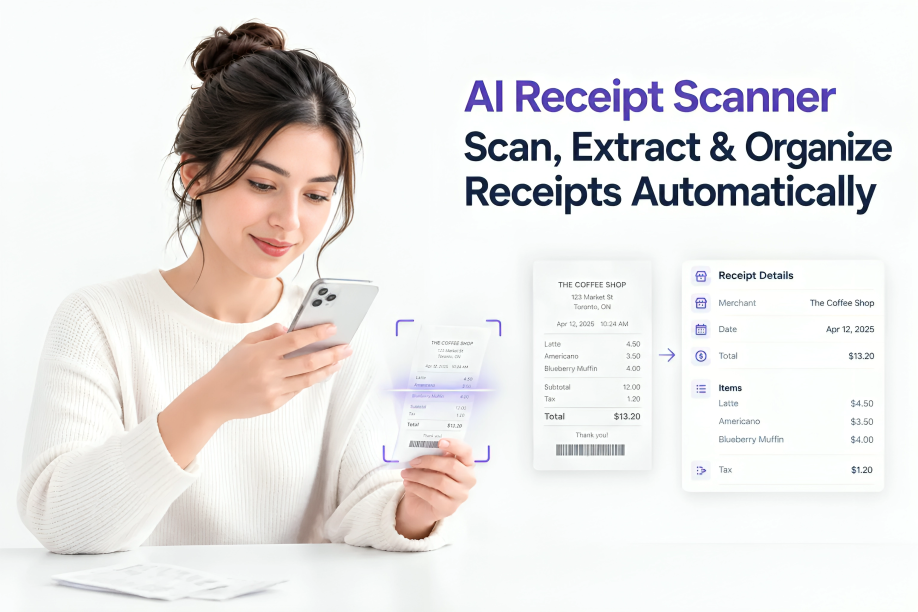
Typing every receipt by hand takes minutes. AI scanning takes seconds. Over a year, that time adds up fast.
How Categorization Actually Works
Some apps just guess a category and stop there. Better apps get more accurate the more you use them. Ask yourself: does this app save me time, or just move the work around?
Multi-Client or Multi-Workspace Support
If you handle receipts for more than one business, or more than one client, you need separate spaces. Mixing everything together creates a mess no one wants to clean up later.
Export Formats That Actually Match What Accountants Need
A CSV file sounds simple. But if it's missing tax totals or dates in the wrong format, it's not much use for real bookkeeping. Check this before you commit to any app.
Data Security and Where Your Receipts Are Stored
Your receipts often show card numbers, addresses, and spending habits. Make sure the app stores this data safely and doesn't sell it to anyone.
Best Receipt Management App for Accountants: What to Prioritize
Accountants have a different job than everyone else on this list. You're not just tracking your own spending. You're managing other people's money and proving it to tax authorities if needed.
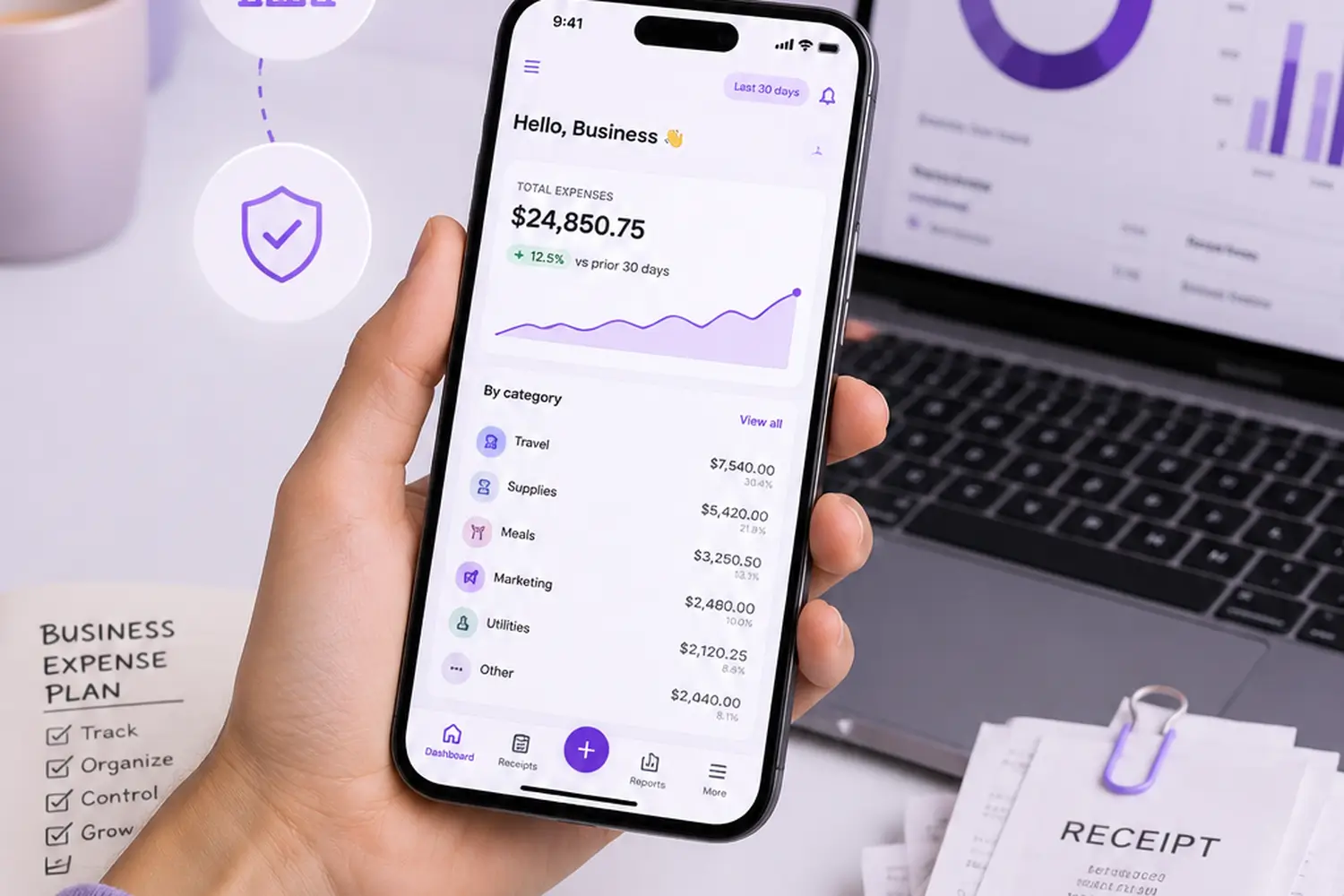
For this reason, the best receipt management app for accountants needs three things above everything else: client separation, audit-ready exports, and speed at scale.
Client separation means you can open one client's receipts without seeing another's. Mixing clients is a fast way to lose trust, and it can also break confidentiality rules.
Audit-ready exports matter because when a client gets audited, you need clean, dated, itemized records fast. A messy spreadsheet won't cut it.
Speed at scale matters too. You're not looking at ten receipts a month. You might be looking at hundreds. An app that takes half a minute per receipt will eat your whole day.
Best App to Keep Track of Receipts as a Freelancer
Freelancers have a tricky problem. Business and personal spending often mix on the same card. One month you're buying software for work. The next, it's groceries. It all blends together.
This is why freelancers want a keep track of your receipts app that separates business from personal spending automatically, or at least makes it easy to tag each one.
Quarterly taxes are another headache. Instead of scrambling every three months, a good app lets you check your spending anytime. No surprises in April.
The goal isn't just organization. It's peace of mind. When your receipts are safe and sorted, tax season stops being scary.
Best App for Tracking Personal Expenses and Receipts
Not everyone needs business features. Some people just want to know where their money goes.
Maybe you're saving for a trip. Maybe you want to return something and need the receipt. Maybe you're just tired of not knowing how much you spent on takeout last month.
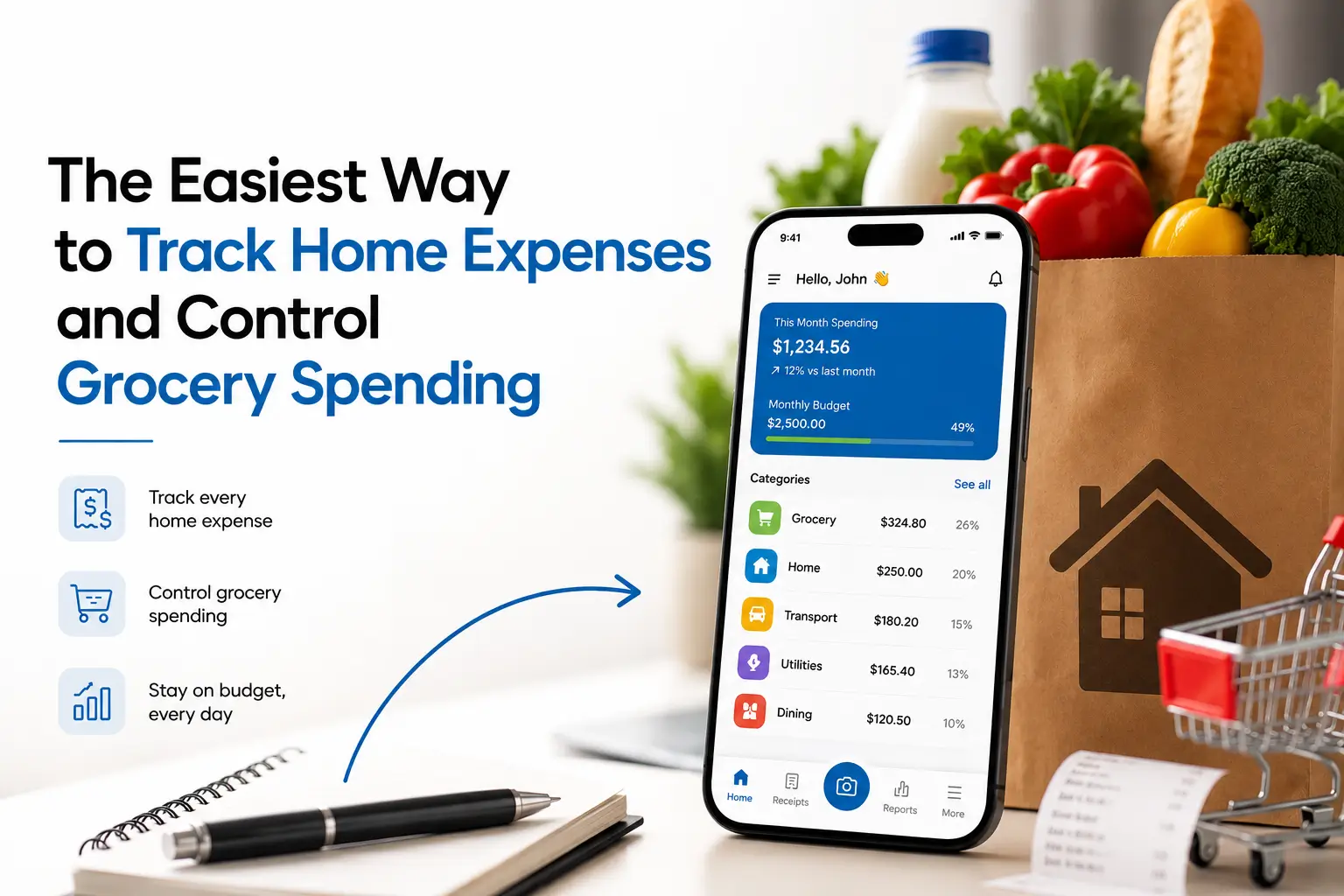
For personal use, the best app to track receipts and expenses doesn't need client tools or tax exports. It needs to be simple, fast, and free or low-cost.
Look for a clean dashboard, easy photo capture, and spending totals by category. That's really all most people need.
How to Track Receipts and Expenses in seconds
Good habits matter more than any single app feature. Here's a simple routine that works.
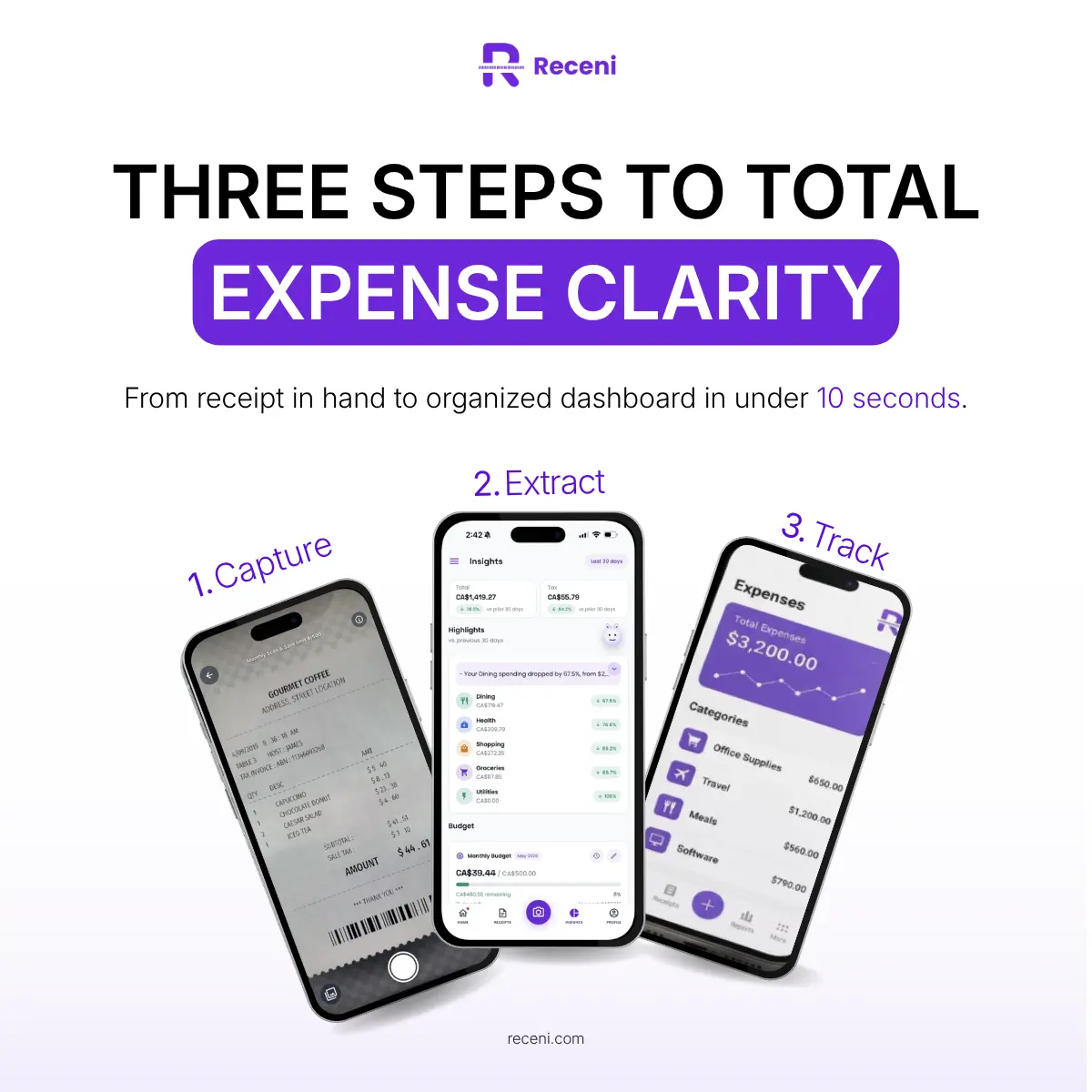
Capture Immediately, Don't Batch
Take the photo the moment you get the receipt. Waiting until later means receipts get lost, thrown out, or forgotten in a pocket.
Let AI Do the Typing
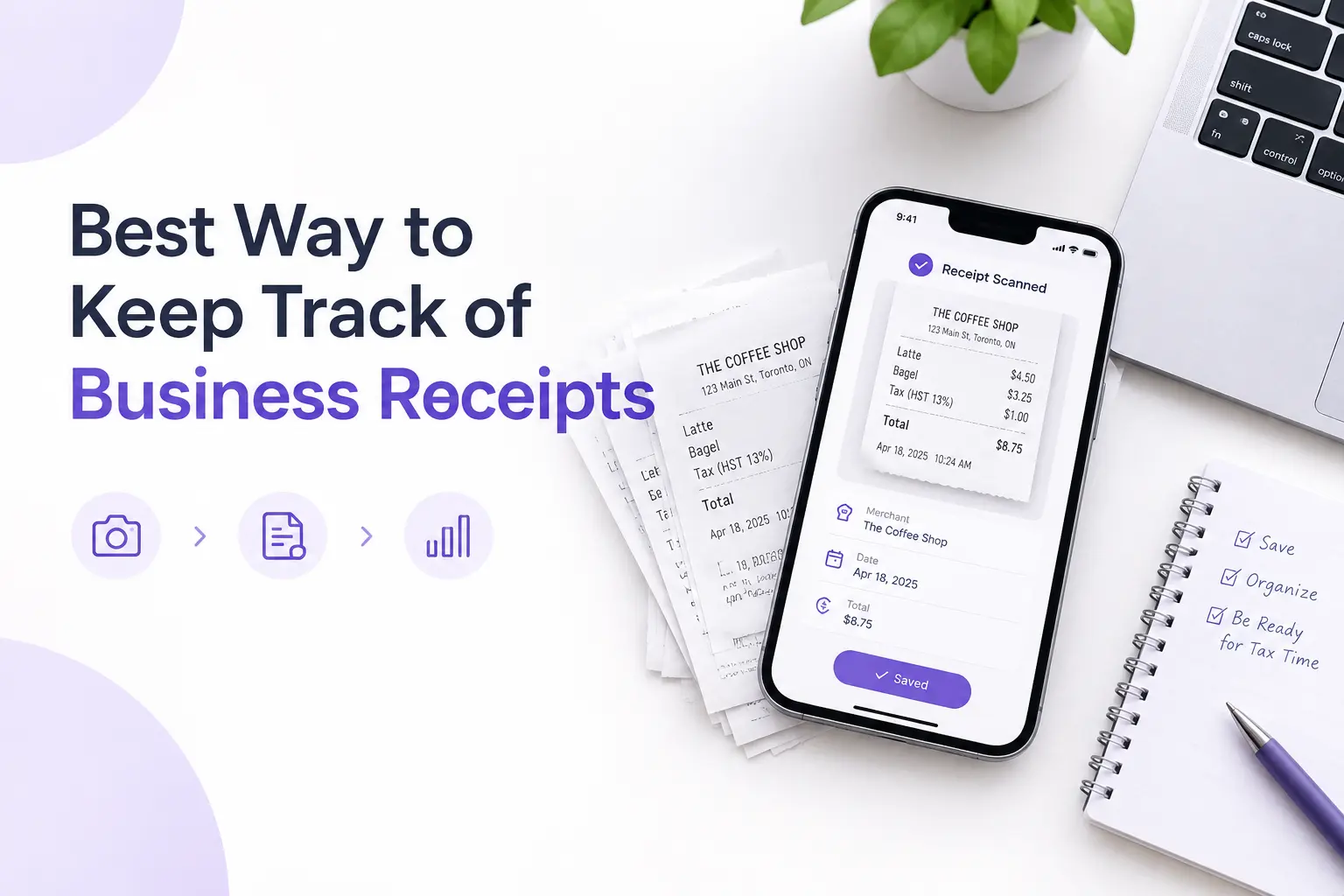
Don't type merchant names, dates, and totals by hand. A best expense receipt tracking app should pull this information for you on its own.
Review Weekly, Not Yearly
Once a week, spend five minutes checking that your categories are right. This small habit saves you from a giant mess in December.
Final Takeaway: Pick the Best Receipt Management App Based on Your Actual Job
Here's the short version, in case that's all you needed.
If you're an accountant, look for client separation and clean exports. If you're a freelancer, look for fast capture and easy tax prep. If you're tracking personal spending, look for something simple with no extra clutter.
Whatever your role, the best receipt management app should do one thing well: capture the receipt the moment you get it, so you're not relying on memory later. Everything else is a bonus.
Receni does this with AI scanning, automatic sorting, and separate workspaces for different clients or accounts. It's built for exactly the people this guide is written for — accountants, freelancers, and small business owners who want less admin work, not more software to manage.