
Job-site receipts,under control
Lumber runs, fuel stops, tool replacements — costs pile up fast on a build. Snap each receipt before it hits the dashboard clutter, and know exactly what every job is costing you.

Sound familiar?
Where job costs leak on a build
Receipts die in the truck
Supply-house slips end up on the dash, in the glovebox, or crumpled in a tool bag. By invoice time, nobody remembers which job that $185 lumber run belonged to.
Job costing happens too late
If costs only get tallied when the job closes, an over-budget build is a surprise instead of a course correction. Margins are won while the work is still happening.
The office gets a shoebox
Whoever does your books — spouse, bookkeeper, or accountant — inherits a stack of faded thermal paper every month. That's hours of retyping and receipts too faded to read.
Steal this setup
Job costing without the cost codes
Big-firm job costing runs on cost codes and software the crew will never open. A small contractor needs one decision per receipt: which job was that for? Workspaces make it a one-tap answer.
Every lumber run, dumpster fee, and fixture for the build. Glance at the dashboard mid-job and compare against your bid — while there's still time to fix the drift.
The smaller job stays separate, so its materials never blur into Oak St's numbers. Closeout takes an export, not an evening of sorting slips.
Blades, fuel, insurance, the compressor rebuild — overhead no single job should eat. This number is what your markup has to cover.
When a job closes, its workspace becomes the cost history that prices the next bid like it.
How Receni helps
Built-in answers for construction
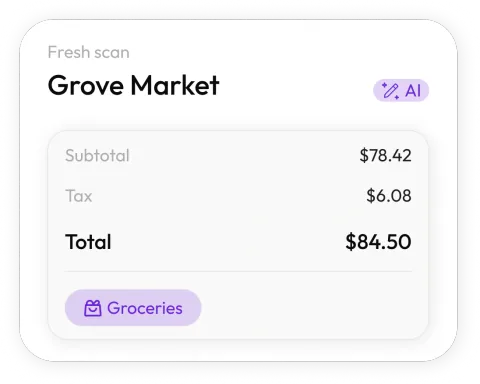
Scan at the counter, done
Snap the supply-house receipt before you're back in the truck. Receni's AI pulls merchant, date, total, and category in seconds — gloves barely off.
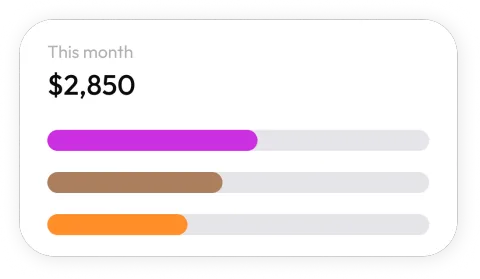
A workspace per job
Keep the Oak St. build separate from the kitchen remodel and both separate from shop overhead. Every receipt lands on the job it belongs to.
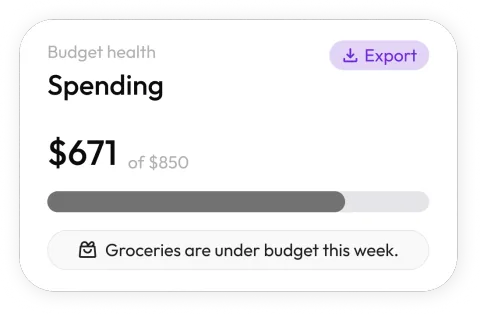
Live job-cost visibility
See materials, fuel, and equipment spend by category while the job is running — not weeks after the final invoice went out.

Budgets that flag overruns
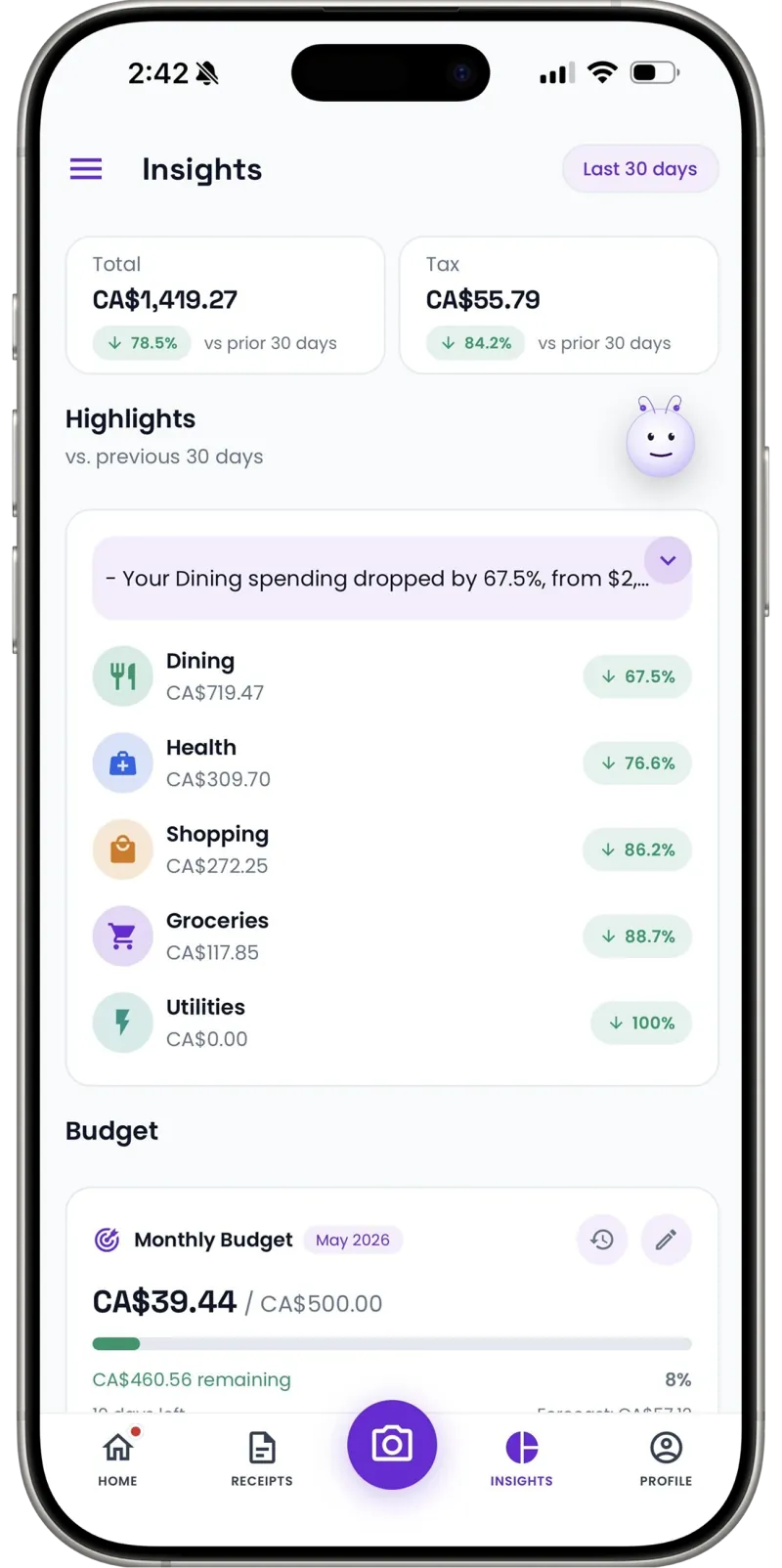
Set a monthly materials or fuel budget per workspace and watch it fill up. Catch the overrun in week two, not at closeout.
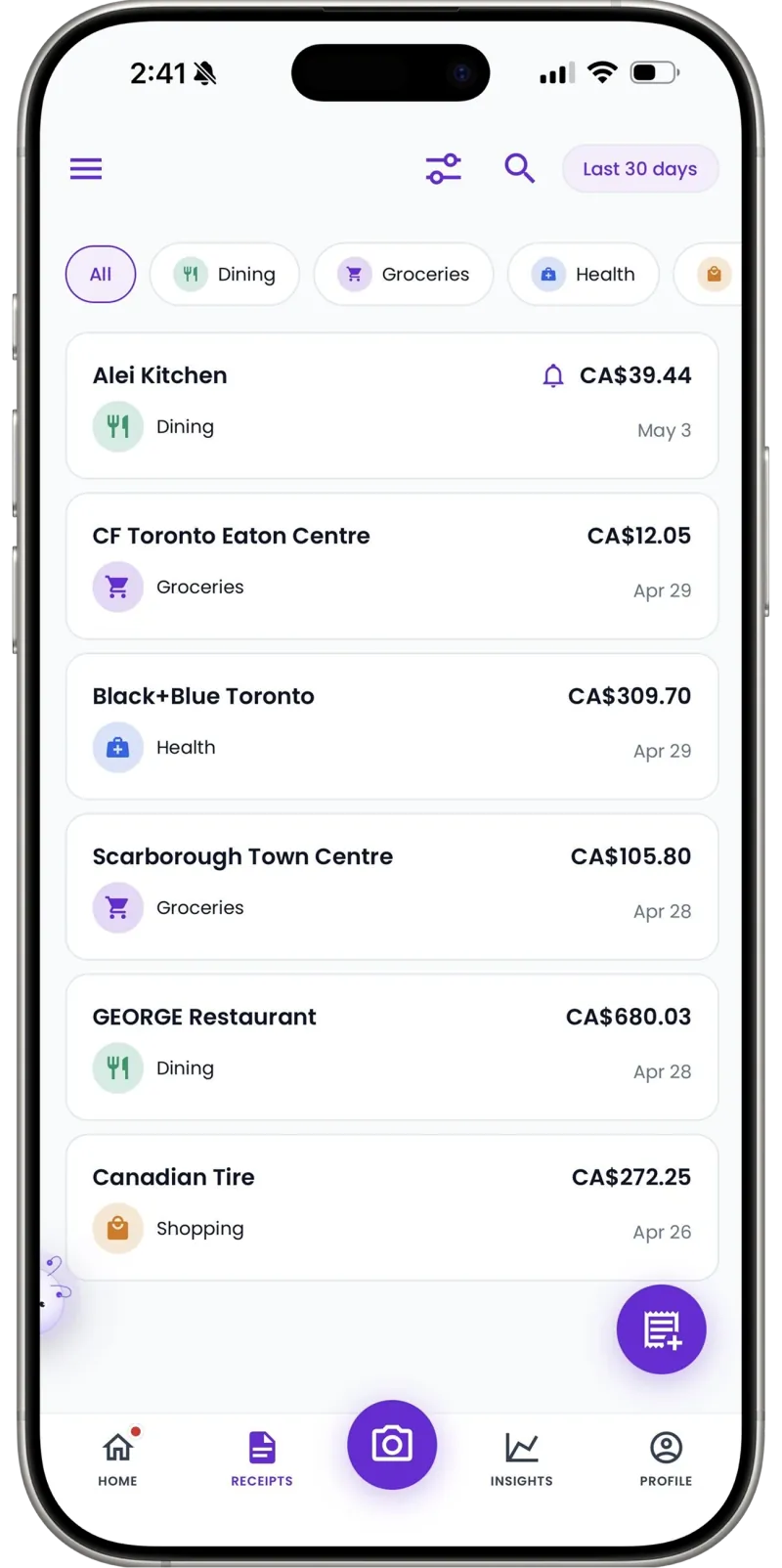
Clean handoff to the office
Export a CSV per job or per month. Your bookkeeper gets organized data instead of a dusty envelope from the truck.
No receipt? No gap
Cash dump-fees and roadside purchases without slips can be added manually in seconds, so job records stay complete.
How it works
From pocketful of paper to organized records
Snap the receipt
Point your camera at any receipt — paper, email screenshot, or invoice. Receni's AI reads the merchant, date, total, and category in seconds.
Review and save
Check what the AI extracted before anything is stored. Adjust the category or amounts, pick the right workspace, and save with one tap.
Export when it matters
At tax time or month end, export clean CSV files your accountant can open directly — no shoebox, no retyping.
The big leaks are small
Lumber packages and concrete get tracked — they're too big to miss. What kills job margins is the other lane: the $15 box of screws, the extra tube of caulk, the drill bit that snapped at 4pm. Three or four of those a week, across every active job, is hundreds of dollars a month that lands on no job's books and quietly comes out of yours.
The fix isn't more discipline at the desk; it's capture at the counter. Ten seconds with the phone before you're back in the truck, filed to the job it belongs to. Small purchases finally show up in job costs — and in your deductions — because recording them became cheaper than losing them.
30
Free AI scans per month to run it on a real job first
Per job
Workspaces keep each build's costs separate
1 tap
CSV export for your bookkeeper at month end
Every supply run used to end with a receipt on the dashboard. Now it ends with a ten-second scan into the right job. When my accountant asks for the Oak Street costs, it's one export.
FAQ
Construction questions, answered
Yes. Create a workspace for each job and scan receipts straight into it. Each workspace has its own categories, budgets, dashboards, and export — so job costing is a byproduct of just capturing receipts.
More industries
Receni works your way, whatever the work
Ready when you are
Know what every job costs — while it's still your call.
Download Receni free and scan this week's supply-run receipts into their jobs tonight.