
Where did it go?Now you know
Card statements tell you where you shopped, not what you bought or why. Receni tracks spending from the receipt up — categorized, separated by workspace, and visible on dashboards.
Brightline Office Co.
Business — supplies
Captured with AI scan
Sound familiar?
You earn it carefully. Track it the same way
Statements aren't records
A card statement says $84.20 at a big-box store. Was that printer ink for the business or a birthday present? Three weeks later, nobody remembers — and the statement will never say.
Spending blurs across purposes
Business and personal, one venture and another, your money and the household's — when everything shares a card, every question about any of them means untangling all of them.
You find out at the end
Most people discover what a month cost after it's over. By then the overspend has happened, the pattern has repeated, and the only option left is resolve to do better.
How Receni helps
Built-in answers for expense tracker
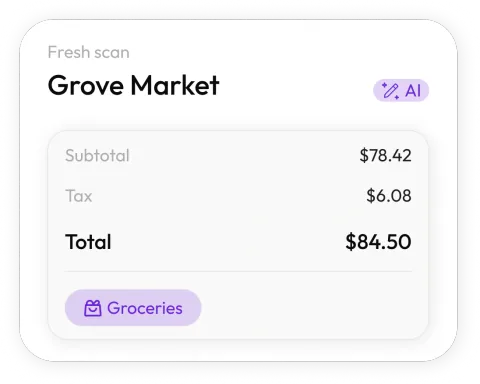
Capture at the register
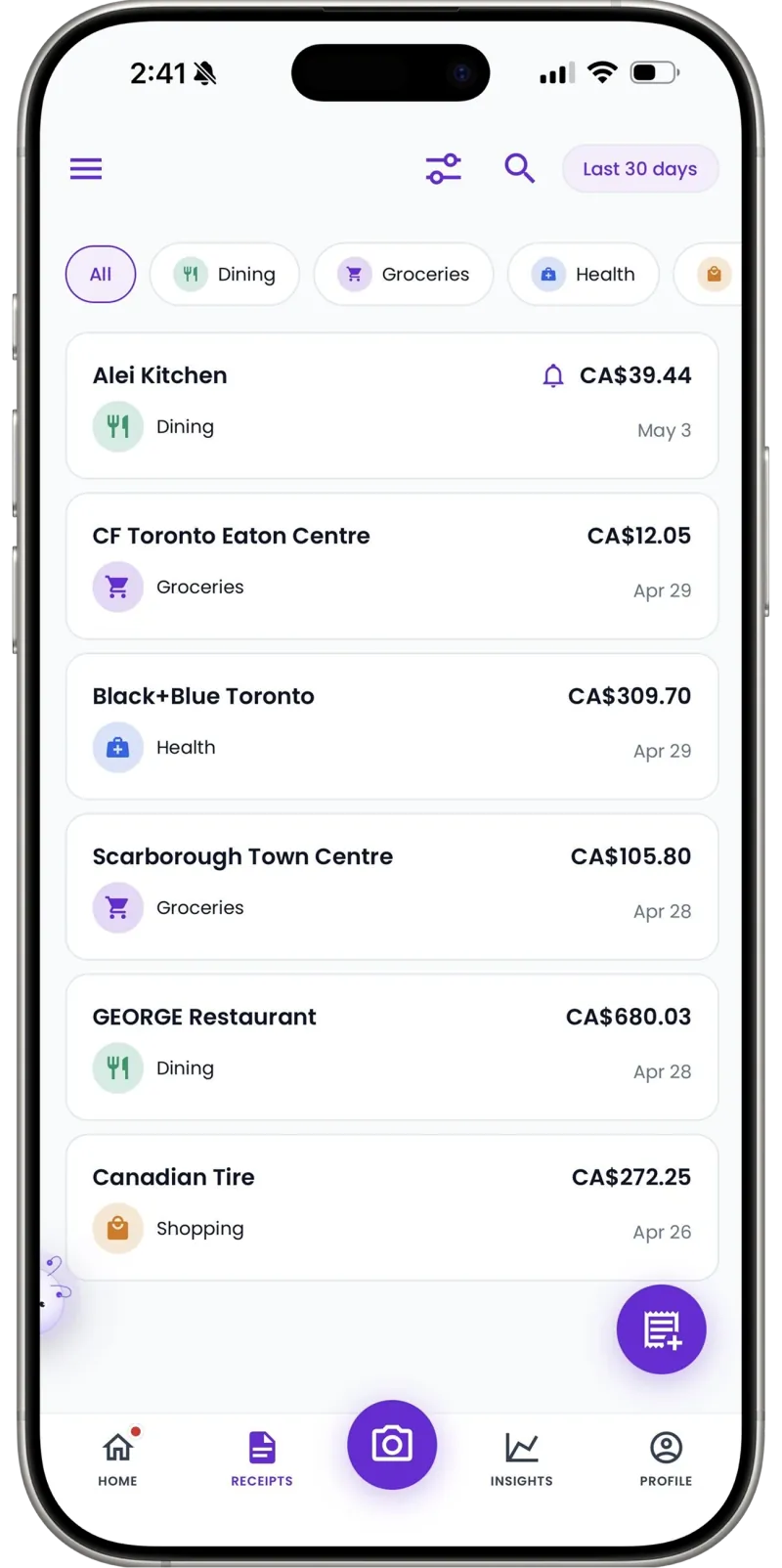
Snap the receipt as you're handed it. Receni's AI reads merchant, date, total, and category in seconds — the expense is tracked before you pocket your wallet.
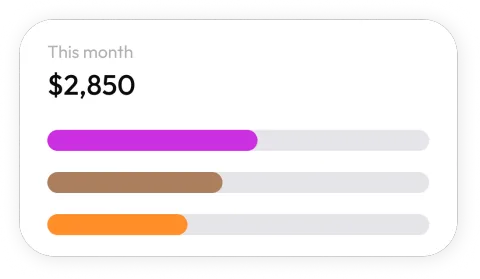
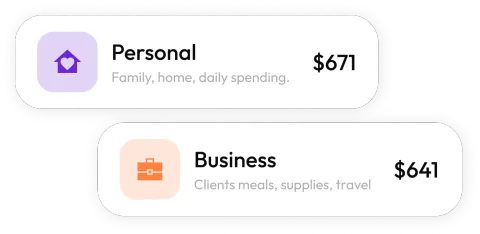
One account, separate books
Business and personal. Two ventures. A shared household and your own spending. Workspaces keep each set of expenses clean, with its own history and export.
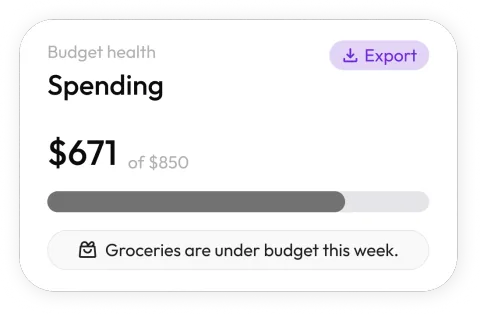
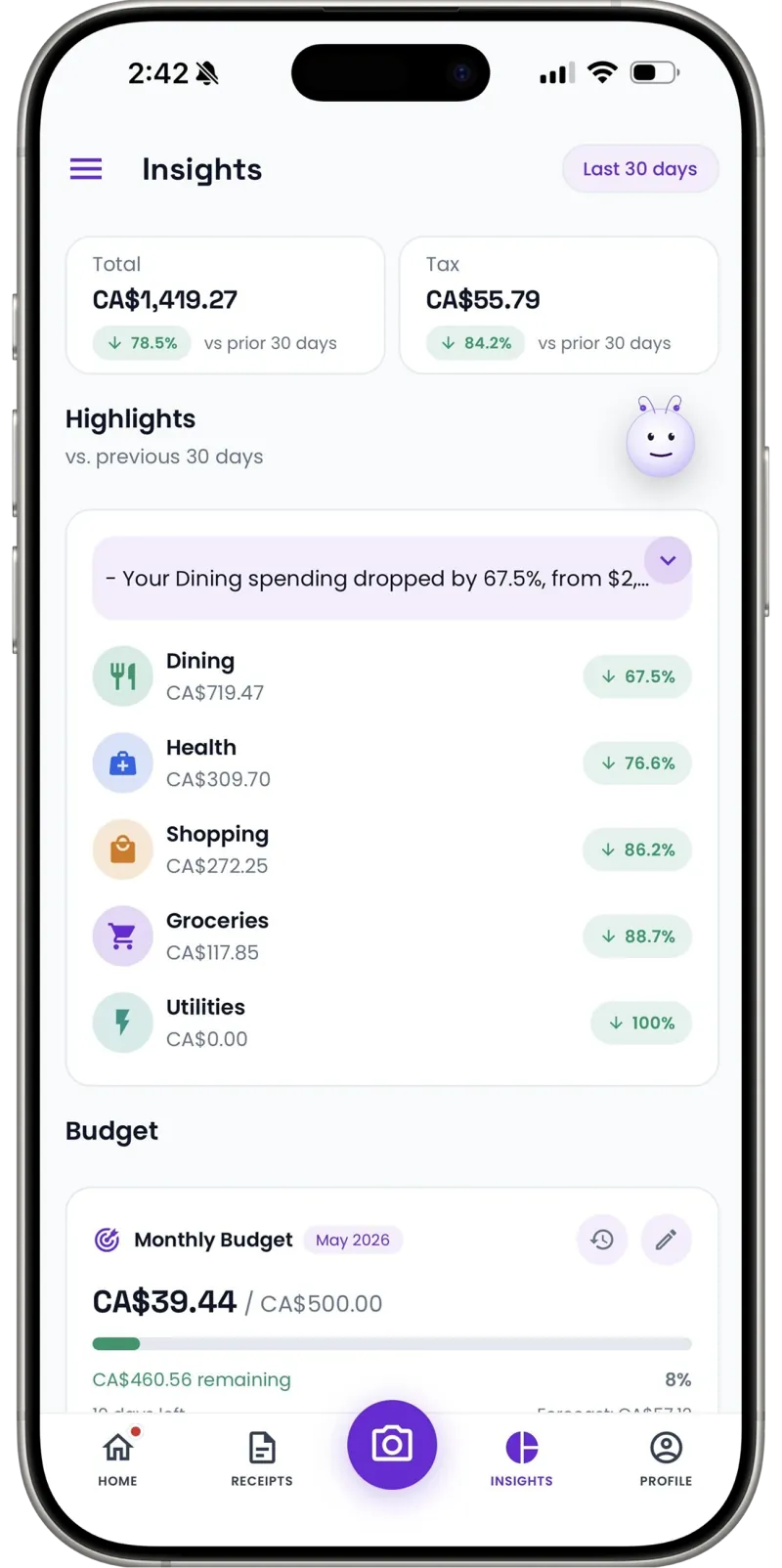
See the month as it happens
Dashboards break spending into categories and trends — you watch the month take shape instead of reading the autopsy.
Limits that speak up early
Set monthly budgets by category. Drift shows up while there's still month left to adjust.
Cash never escapes
Market stalls, tips, the parking meter — add cash spending manually in seconds. Unlimited on every plan.
Your data, your way out
Export categorized expenses as clean CSV files — for a spreadsheet deep-dive, your accountant, or tax season.
How it works
From pocketful of paper to organized records
Snap the receipt
Point your camera at any receipt — paper, email screenshot, or invoice. Receni's AI reads the merchant, date, total, and category in seconds.
Review and save
Check what the AI extracted before anything is stored. Adjust the category or amounts, pick the right workspace, and save with one tap.
Export when it matters
At tax time or month end, export clean CSV files your accountant can open directly — no shoebox, no retyping.
30
Free AI scans a month on the Free Forever plan
Unlimited
Manual entries and workspaces that keep books separate
1 tap
CSV export whenever you need the numbers
I ran my side business and family spending off one card and honestly couldn't tell you what either cost. Two workspaces later, I know my business margin and our grocery drift — from the same two-second scan habit.
FAQ
Expense tracker questions, answered
No — and that's deliberate. Receni works from receipts you scan, not bank credentials you hand over. You get itemized records of what you actually bought, and your bank login stays yours.
Built for your work
Receni works your way, whatever the work
Ready when you are
Stop wondering where it went.
Download Receni free and track today's first expense in seconds.