
Run the kitchen,not the paper chase
Produce invoices at dawn, a cash-and-carry run at noon, an emergency fridge repair at close. Scan each receipt at the pass and your food cost stops being a mystery.

Sound familiar?
Thin margins, thick receipt spike
Food cost you can't see
Margins live and die on food cost, but when supplier invoices, market runs, and cash-and-carry receipts pile up unentered, you find out you drifted a month too late.
The spike by the register
Every restaurant has one — a spindle of receipts nobody has time to enter. Between prep, service, and close, bookkeeping always loses to the kitchen.
Surprises the books never saw
A compressor dies mid-shift, a keg deposit goes on someone's personal card — irregular costs scatter across pockets and never make it into the numbers.
How it works
From pocketful of paper to organized records
6 AM — the delivery
Produce comes off the truck with a delivery note. Scan it before the cases hit the walk-in — that's your purchases line captured on the day it entered inventory, not when the invoice arrives.
1 PM — the cash-and-carry run
You ran out of limes and someone drove to the wholesaler. Scan the till receipt in the parking lot; cash buys are where food-cost numbers usually go to die.
11 PM — the close
The fridge repair, the keg deposit, the ice run — anything that hit a pocket during service gets a manual entry before lights out. The day's spending is complete, every day.
How Receni helps
Built-in answers for restaurants
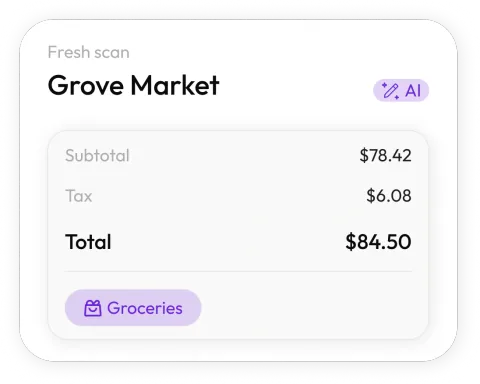
Scan at the pass
Snap the supplier invoice as it comes off the truck. Receni's AI reads merchant, date, total, and category in seconds — even mid-service.
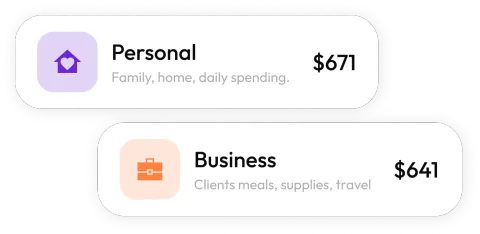
A workspace per location
Two spots, or a kitchen and a food truck? Each gets its own space — costs stay separate and comparable.
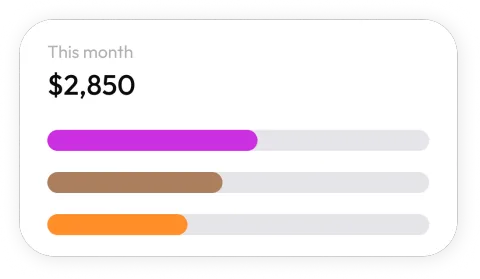
Watch food cost by month
Dashboards break spending down by category — food, bar, repairs, smallwares — so drift shows up in days, not at month-end.
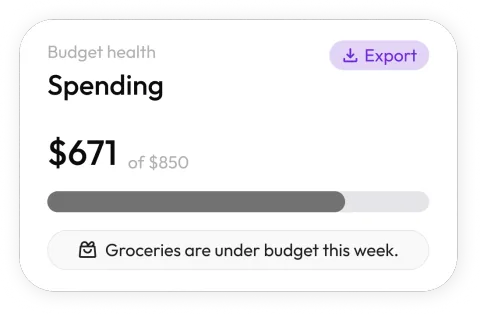
Budgets that hold the line
Set monthly limits for food and operating categories. When an area runs hot, you see it while there's still time to adjust the menu or the ordering.
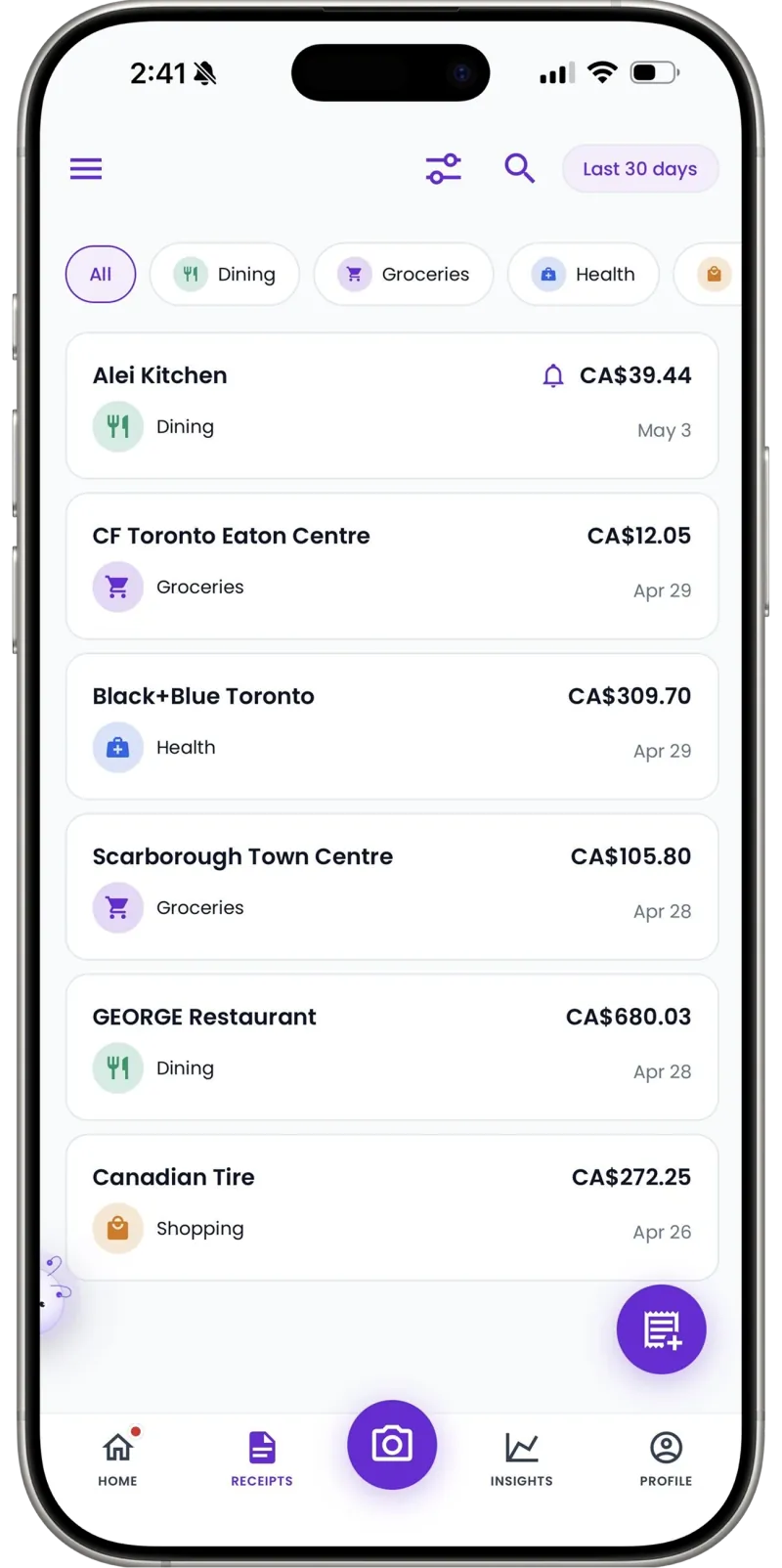
Bookkeeper-ready exports
Export categorized expenses as a clean CSV your bookkeeper can open directly — every invoice and market run itemized.
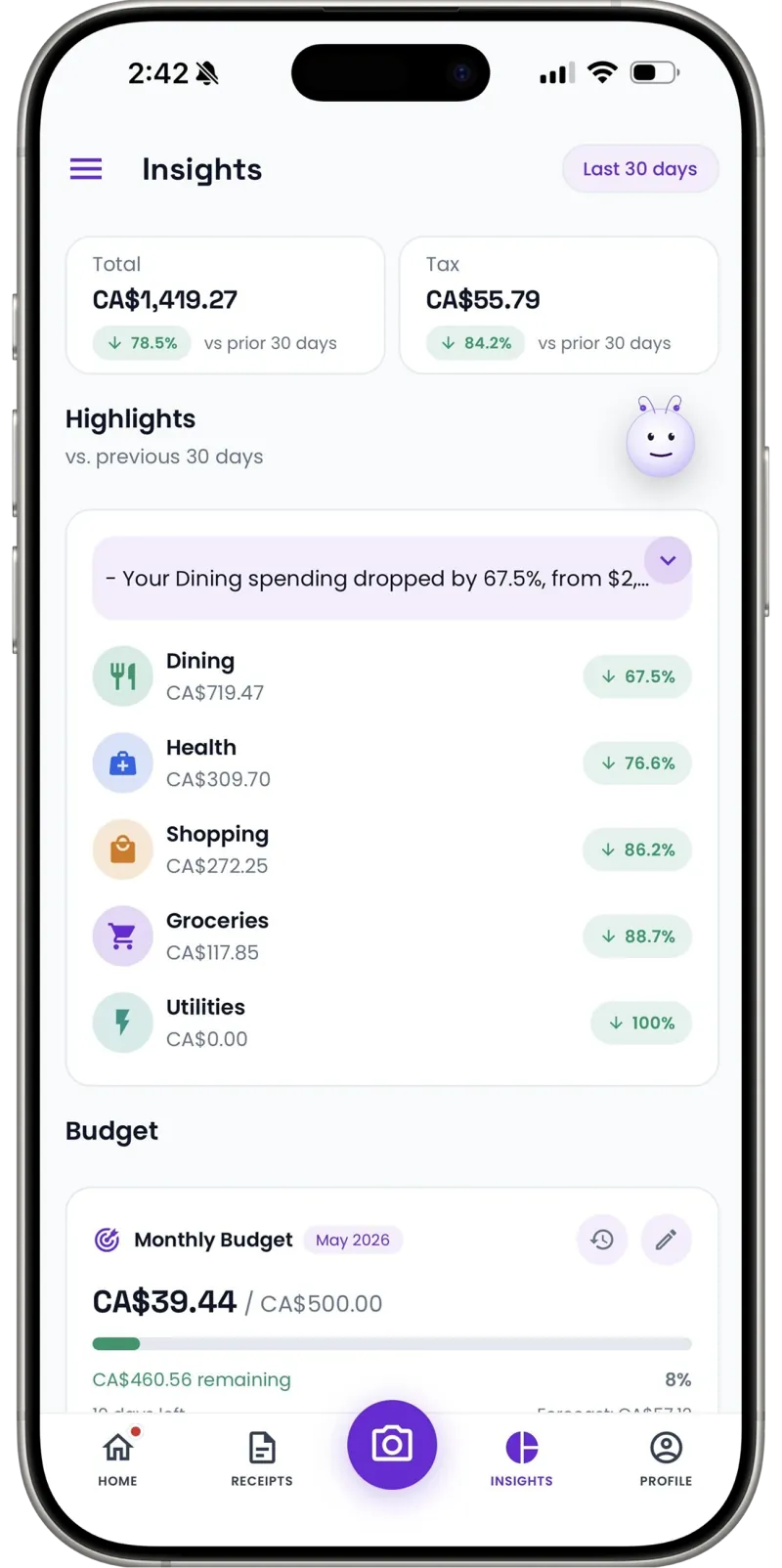
Cash runs counted
The farmers-market cash buy and the emergency ice run — add them manually in seconds so food cost stays honest.
About that spindle by the register
Every kitchen has the system: receipts go on the spike, and 'someone' enters them 'later.' Later is the second Tuesday of never, because in a restaurant the kitchen always outranks the paperwork — as it should. So the spike grows, the thermal paper fades, and food cost becomes a quarterly archaeology project.
The fix has to cost less time than the spike does, or it won't survive a dinner rush. Scanning a delivery note takes seconds at the pass, and the data entry the spike was waiting for simply never accumulates. The spike can stay — as a backup for the days the walk-in floods.
30
Free AI scans a month — trial it through a real week of deliveries
Per location
Workspaces keep each kitchen's costs separate
1 tap
CSV export for your bookkeeper
Our food cost was a quarterly surprise. Now the morning delivery gets scanned before it's even shelved, and I can see the month drifting while I can still fix the ordering.
FAQ
Restaurants questions, answered
No — Receni tracks what you spend, not what you sell. It organizes supplier invoices, market runs, and operating receipts; sales and covers stay in your POS.
More industries
Receni works your way, whatever the work
Ready when you are
Know your food cost while you can still change it.
Download Receni free and scan tomorrow's delivery as it arrives.