
Every business mile,logged without thinking
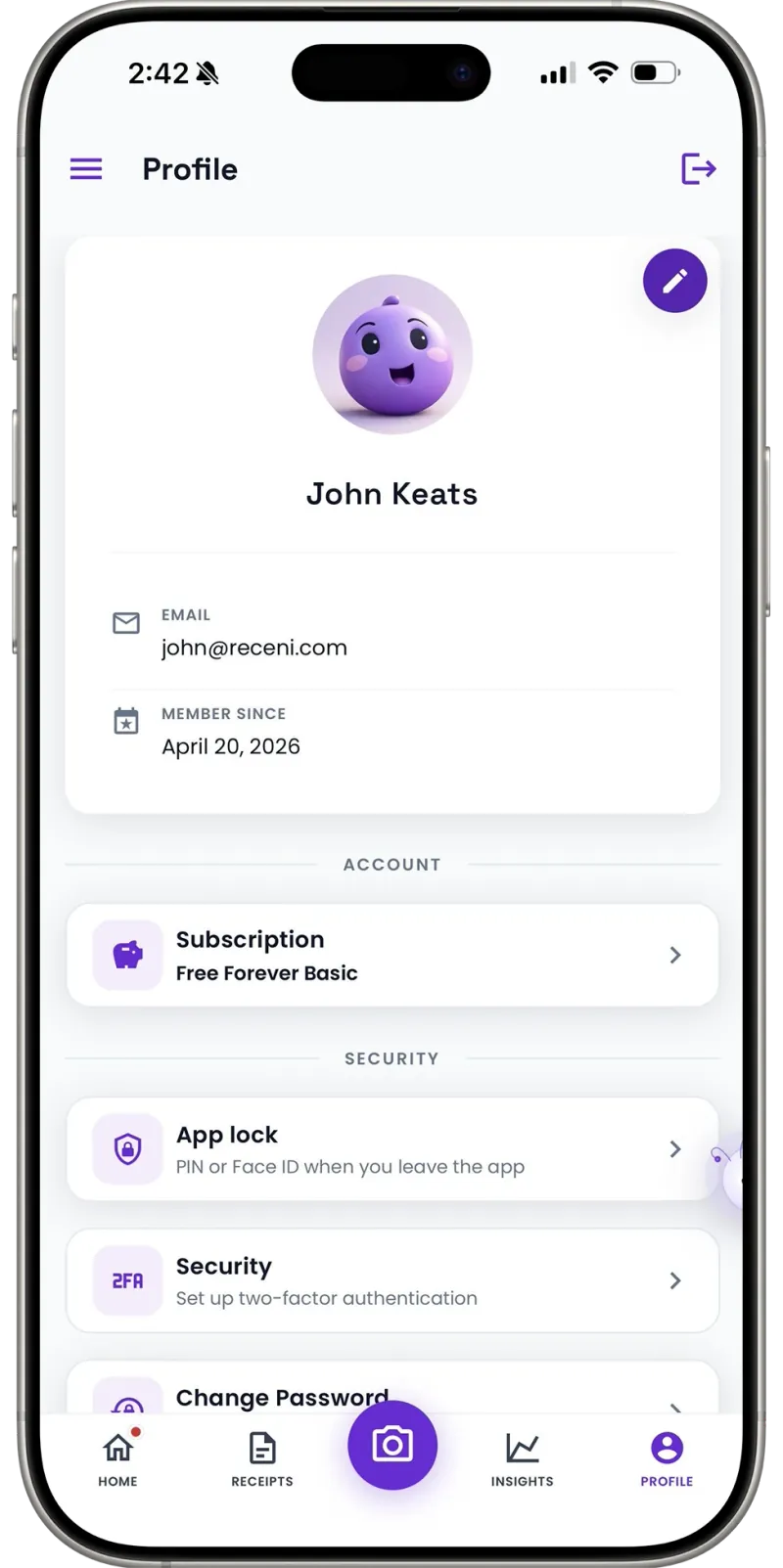
Receni detects your drives and records the date, distance, and start and end address. Swipe to mark a trip business or personal, and export a mileage log your accountant can file.
Wednesday, 09:12
Business — client visit
Recorded automatically
Sound familiar?
Why mileage goes unclaimed
The notebook nobody fills in
A mileage log only works if it is written at the time. The glovebox notebook survives about a fortnight, and reconstructing a year of drives from memory in January is guesswork you cannot defend.
Odometer readings you forgot to take
Start and end readings mean remembering twice per journey, every journey. Miss one and the trip is gone — and the trips most easily missed are the short ones that add up.
Apps that keep your movements forever
Automatic tracking usually means handing a company a permanent record of everywhere you have driven. That is a lot of trust for a tax deduction, and most apps never give it back.
How Receni helps
Built-in answers for mileage tracker
Drives recorded on their own
Receni notices when a journey starts and ends and logs the date, the distance, and the addresses at both ends — the four things a mileage claim actually needs.
Or type them in yourself
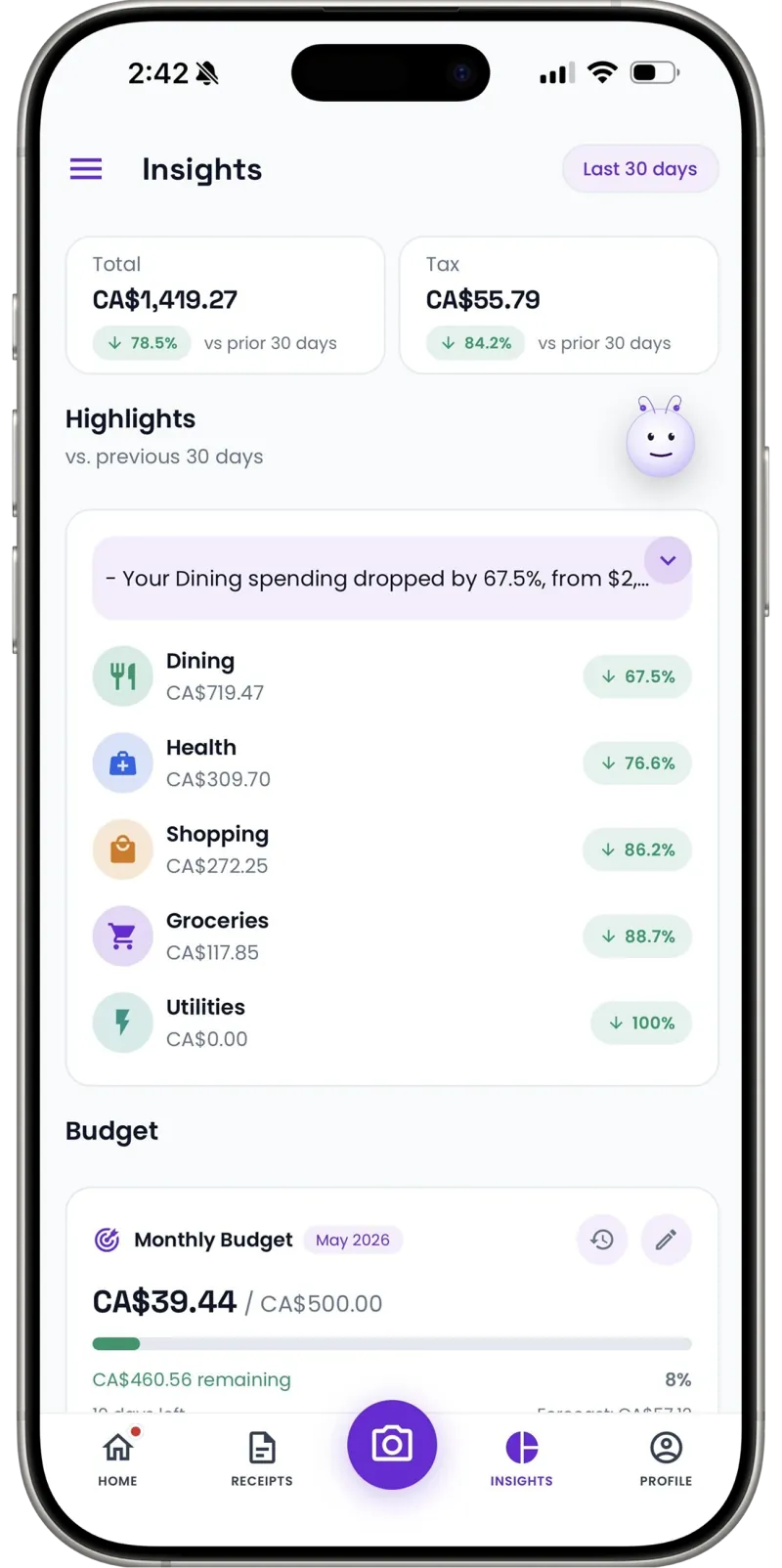
Prefer not to grant location access? Add each trip by hand — date, start and end address, distance, purpose. Same log, same export, no tracking at all.
Business or personal, one swipe
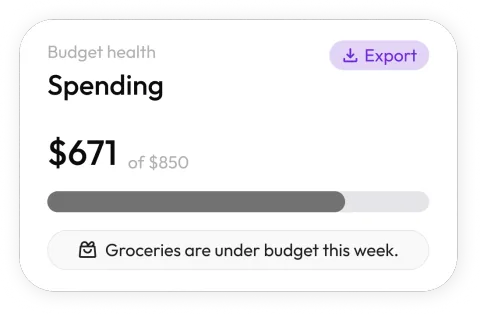
Unclassified trips queue up for review. Swipe right for business, left for personal, add the purpose, and the tax-year total updates as you go.
A log you can actually file
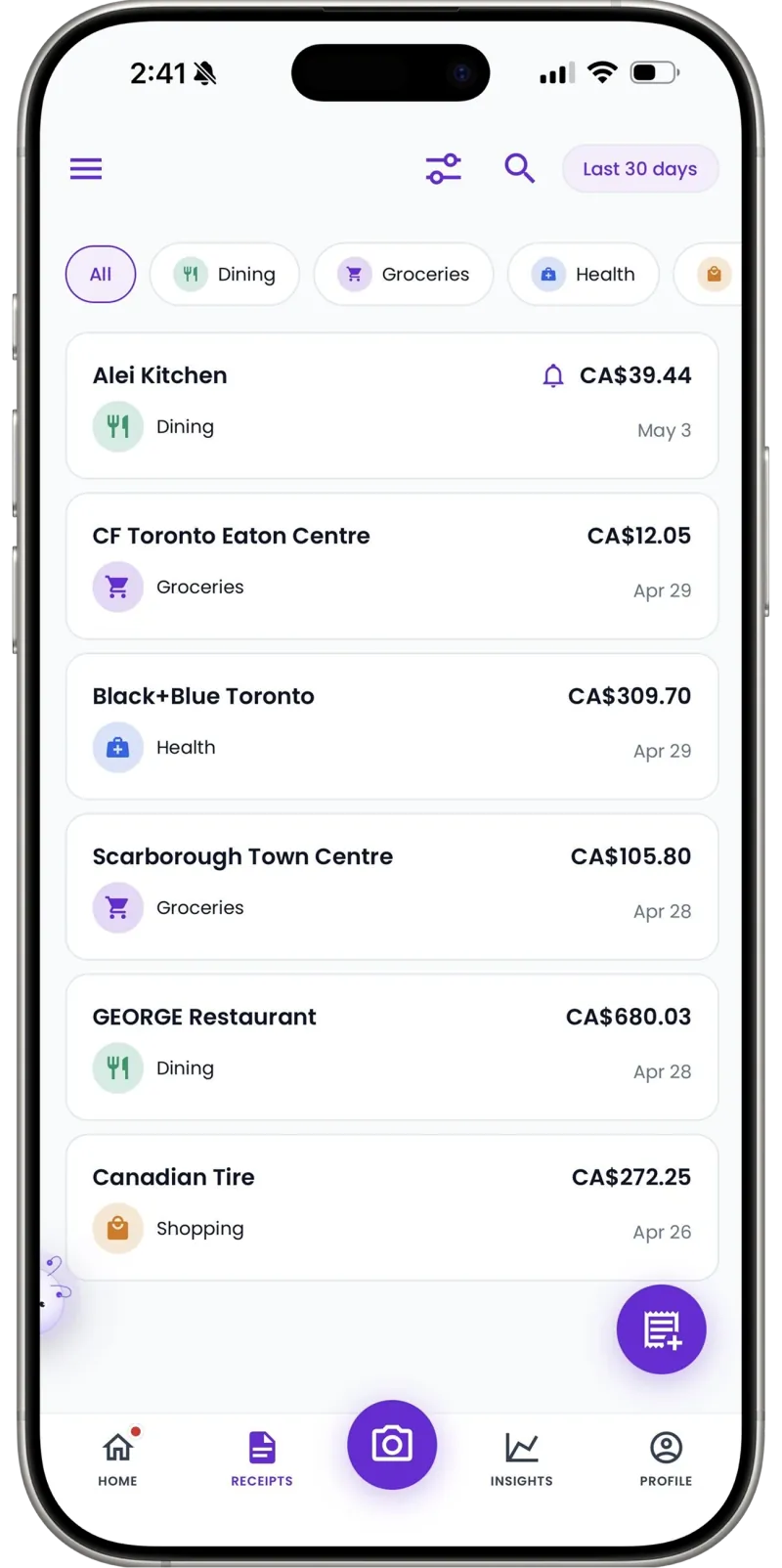
Export the tax year as a CSV with dates, addresses, distances, purposes and classifications — the format an accountant expects and a tax authority accepts.
Separate cars, separate books
Add each vehicle you drive and keep its mileage apart. Workspaces do the same for a business and a side project, so one claim never bleeds into another.
Fuel receipts in the same place
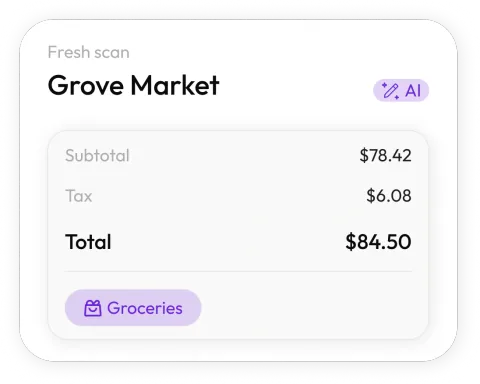
Parking, fuel and tolls scan into the same app as the drives they belong to, so the whole vehicle picture sits in one export instead of two systems.
How it works
From forgotten journeys to a filed mileage log
Turn tracking on
Grant location access once and pick the days and hours you drive for work. Receni stays asleep between journeys and outside that window — or skip this entirely and enter trips by hand.
Drive as normal
Receni notices the journey starting and ending on its own and records the date, the distance and both addresses. Nothing to press, nothing to remember at the other end.
Swipe to classify
New trips wait in a review queue. Swipe business or personal, add the purpose where it matters, and watch the tax-year total build as you go.
Export at year end
Download the mileage log as a CSV — dates, addresses, distances, purposes, classifications — and hand it to your accountant or attach it to your return.
30 days
Then the detailed route is deleted automatically
On-device
Optional mode where the route never leaves your phone
UK · US · CA
Published HMRC, IRS and CRA rates applied per tax year
I used to guess my mileage every January and I know I under-claimed every year, because I only remembered the long trips. Now the short ones are in there too — and the bit that sold me is that it stops holding the routes after a month.
FAQ
Mileage tracker questions, answered
With your permission, Receni watches for the start and end of a drive in the background and records the journey — date, time, distance, and the addresses at both ends. You then classify each trip as business or personal. Tracking is off until you switch it on, and you can limit it to chosen days and hours.
Built for your work
Receni works your way, whatever the work
Ready when you are
Stop guessing your mileage in January.
Download Receni free, switch tracking on when you are ready, and let the log build itself — or add every trip by hand if you would rather not be tracked at all.