
Drive the apps,keep the deductions
Gas, washes, mounts, chargers, hot bags — driving for apps means spending your own money to earn. Scan each receipt between trips and your 1099 season gets a lot cheaper.

Sound familiar?
The apps track your trips, not your costs
Earnings tracked, expenses ignored
Every platform shows you gross earnings to the cent — and nothing about what you spent to earn them. The costs are your problem, and untracked they make busy weeks look more profitable than they were.
Small, constant, forgettable
A $9 car wash, a $14 phone mount, gas twice a week — none of it feels worth recording in the moment, but across a year it adds up to real deductions.
1099 surprise in April
The platforms report your income to the IRS; the deductions are on you. Drivers without records pay tax on money they never really kept.
Receni is not a mileage tracker. Here's why you still need it.
Let's be straight: for most gig drivers, mileage is the single biggest deduction, and Receni doesn't track miles. If you don't have a mileage log yet — an app or a notebook — get one first. This page will still be here.
Now the part the mileage apps don't cover: the standard mileage rate only bundles the car's costs. Your phone mount, the insulated bags, tolls, parking, the extra phone plan, health-insurance premiums — those are deductible on top of the mileage rate, and they only count if the receipts exist. That's the half of gig-driver taxes Receni handles: scan the receipt at the register, and the deductions your mileage app can't see stop leaking.
Beyond the mileage rate
The gig-driver deductions that need receipts
One rule shapes everything: you claim either the standard per-mile rate or actual vehicle costs — never both. But the items below are deductible either way, because they're not vehicle costs. They just need proof.
Phone & plan share
The business share of the device and data plan that runs the apps. Your phone is the storefront; part of its cost is a business cost.
Gear & accessories
Mounts, chargers, dash cams, insulated delivery bags, drink carriers. Small purchases that add up across a driving year.
Tolls & parking
Deductible on top of the mileage rate. Scan the garage ticket; add cash tolls as manual entries at the end of the shift.
Rider & customer amenities
Water bottles, mints, phone cables for passengers. Modest, but legitimate — with receipts.
Car washes & detailing
Where these land depends on your deduction method — record them and let your preparer sort the bucket. Unrecorded, they're nothing.
Roadside & safety
AAA-style memberships, jumper cables, the emergency kit. Business-use share applies.
Health insurance premiums
Self-employed drivers may deduct premiums regardless of mileage method — a big one people miss. Ask your preparer.
Tax-prep & app fees
The mileage app's subscription, tax software, a preparer's fee — the cost of running the business side of driving.
Every situation is different — what's deductible depends on how you work. Receni keeps the records; your tax professional makes the call.
How Receni helps
Built-in answers for rideshare & delivery
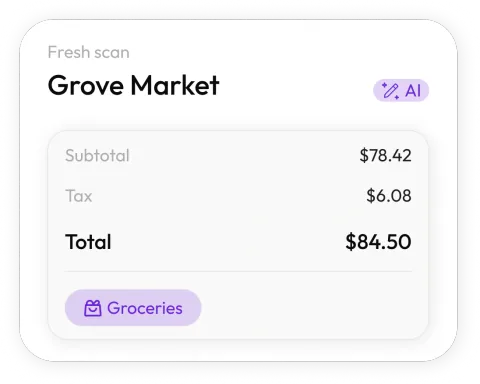
Scan between trips
Snap the receipt while you wait for the next ping. Receni's AI reads merchant, date, total, and category in seconds.
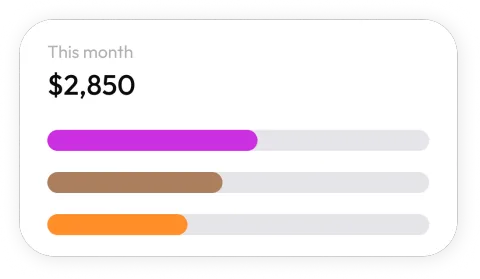
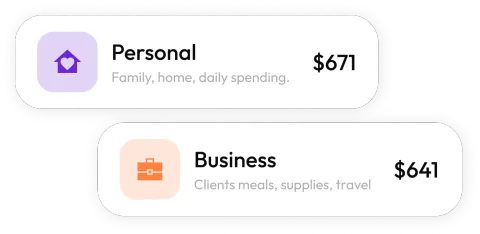
Driving money, separated
Keep a workspace for your driving expenses — or one per platform if you want the detail — so business spending never mixes with personal.
Know your real hourly
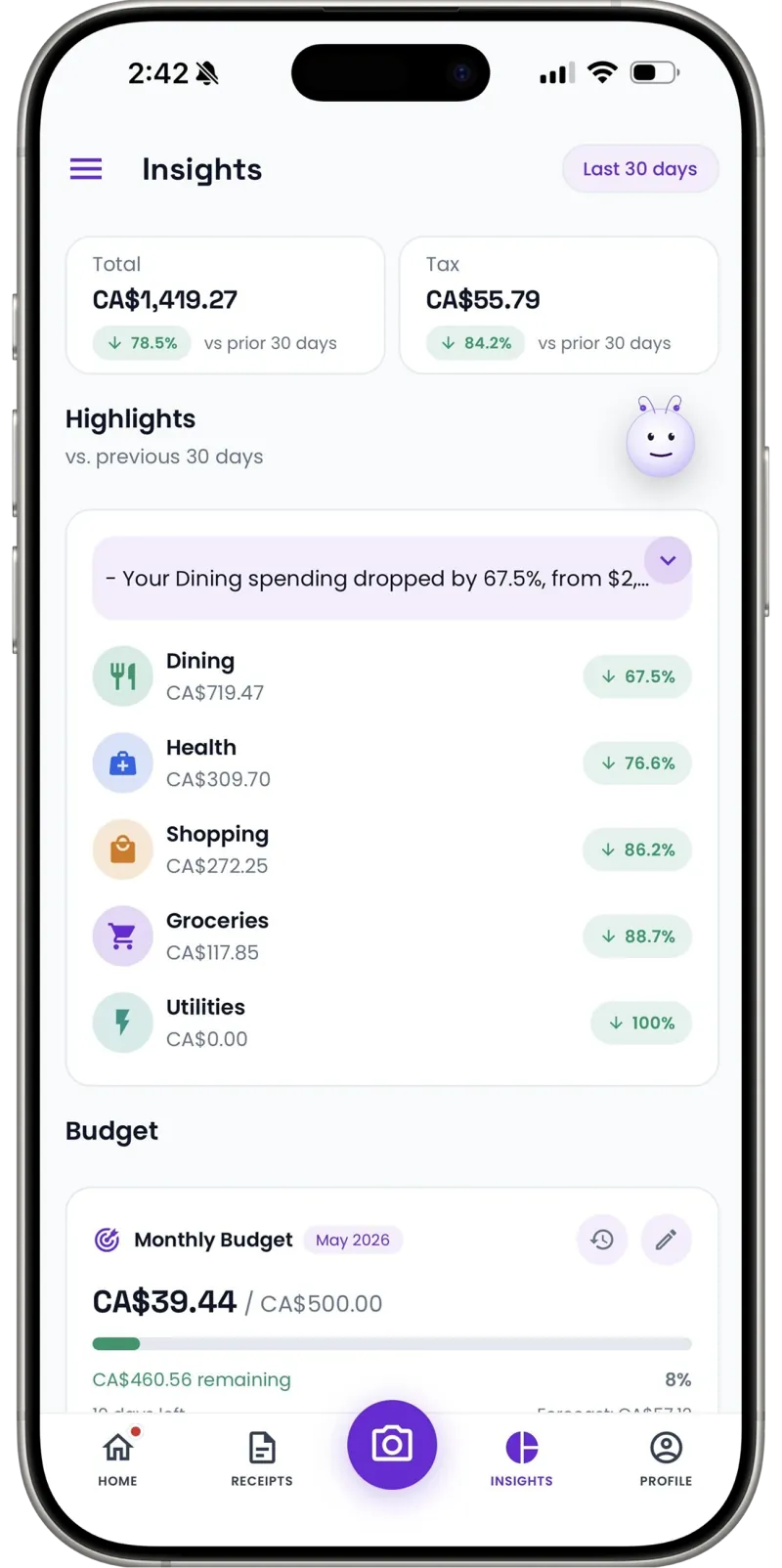
Dashboards show what you spend by category and month. Put that next to your earnings and see which weeks — and which apps — actually pay.
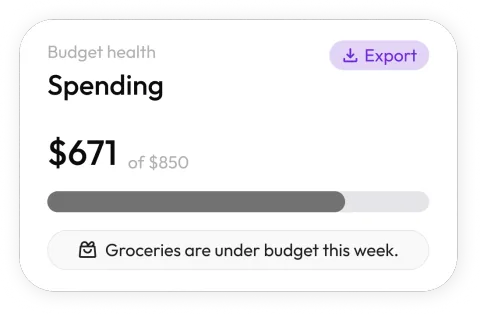
Keep running costs in check
Set a monthly budget for gas, washes, and gear. When spending runs ahead of plan, you see it before the month is gone.
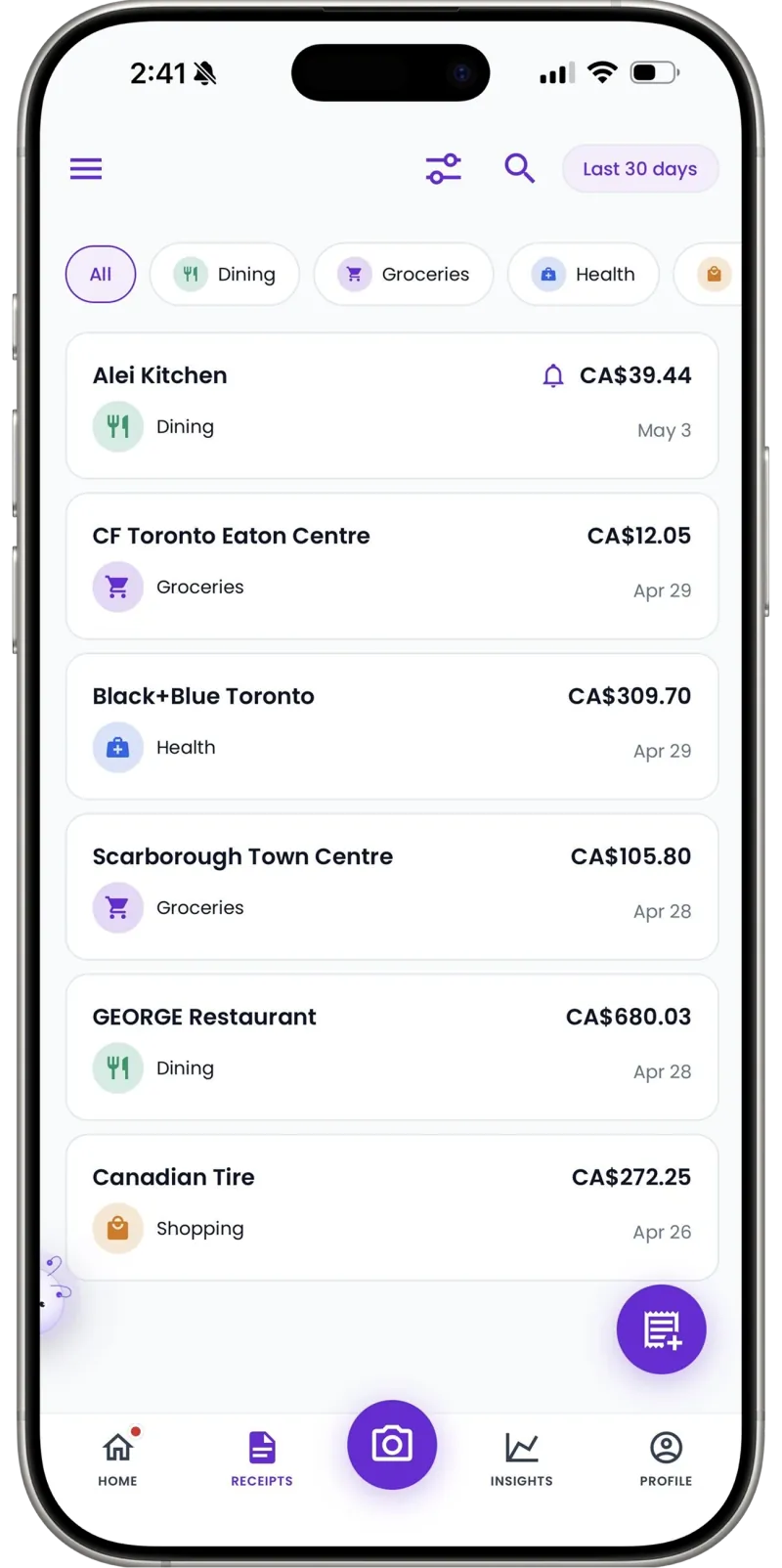
1099-season ready
Export the year's categorized expenses as a clean CSV for your tax preparer — every wash and charger itemized against that 1099.
Cash tolls, still deductible
Parking meters, a cash tip to the car-wash crew — add them manually in seconds so your records stay complete.
30
Free AI scans a month — plenty for a driver's typical receipts
Unlimited
Manual entries for cash expenses on every plan
1 tap
CSV export at tax time
I drove three years thinking I was clearing more than I was. One year of scanning every gas and wash receipt showed me my real numbers — and gave my tax guy a file instead of a glovebox.
FAQ
Rideshare & delivery questions, answered
No — Receni is for receipts and expenses, not miles. If you deduct actual vehicle expenses, scan your gas, maintenance, and wash receipts here; if you use the standard mileage rate, keep your mileage log alongside and use Receni for the rest (gear, supplies, fees).
More industries
Receni works your way, whatever the work
Ready when you are
You earn by the trip. Keep records by the receipt.
Download Receni free and scan your next gas stop before the next ping.