
A budget that knowswhat you actually spent
Budgets fail when the numbers behind them are guesses. Receni builds yours on scanned receipts — every purchase counted the moment it happens, progress visible all month.
Corner Fresh Market
Groceries — March budget
Captured with AI scan
Sound familiar?
Why budgets break
Budgets built on guesses
Most budgets start from what you think you spend. If the baseline is fiction, the plan fails on contact with the first real week — and gets abandoned by the second.
The month reports in too late
Checking the damage at month-end is bookkeeping, not budgeting. By the time the total appears, every decision that produced it is already made.
Tracking that feels like homework
Spreadsheet budgets die of maintenance. If logging a purchase takes more than a few seconds, it stops happening — and the budget quietly stops being true.
How Receni helps
Built-in answers for budget tracker
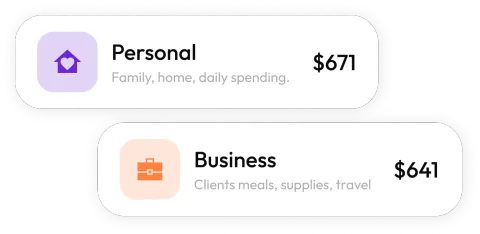
Monthly limits per category
Set a number for groceries, supplies, fuel — whatever matters. Each workspace carries its own budgets, so business and household discipline don't mix.
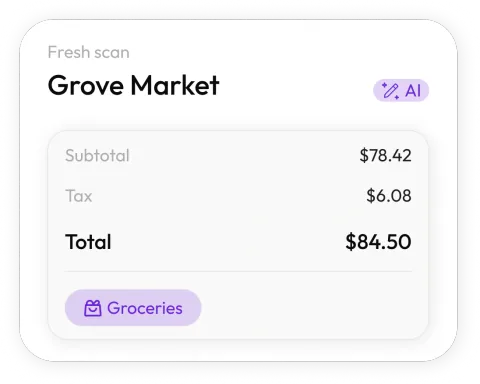
Spending counted in seconds
Scan the receipt at the register and the purchase lands against the right category immediately. The budget stays true because updating it is effortless.
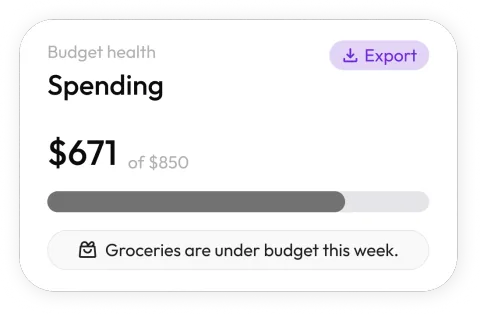
Progress you can glance at
Dashboards show each category's month so far — what's spent, what's left, and which line is trending hot before it's a problem.
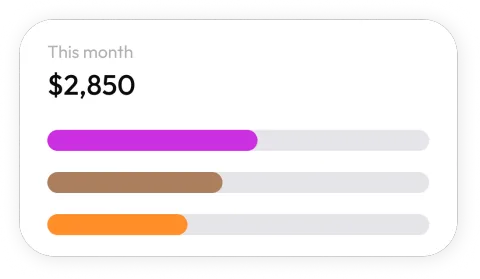
Budgets per part of your life
A budget for the business, another for home, one per client or project — workspaces keep every plan and its spending separate.
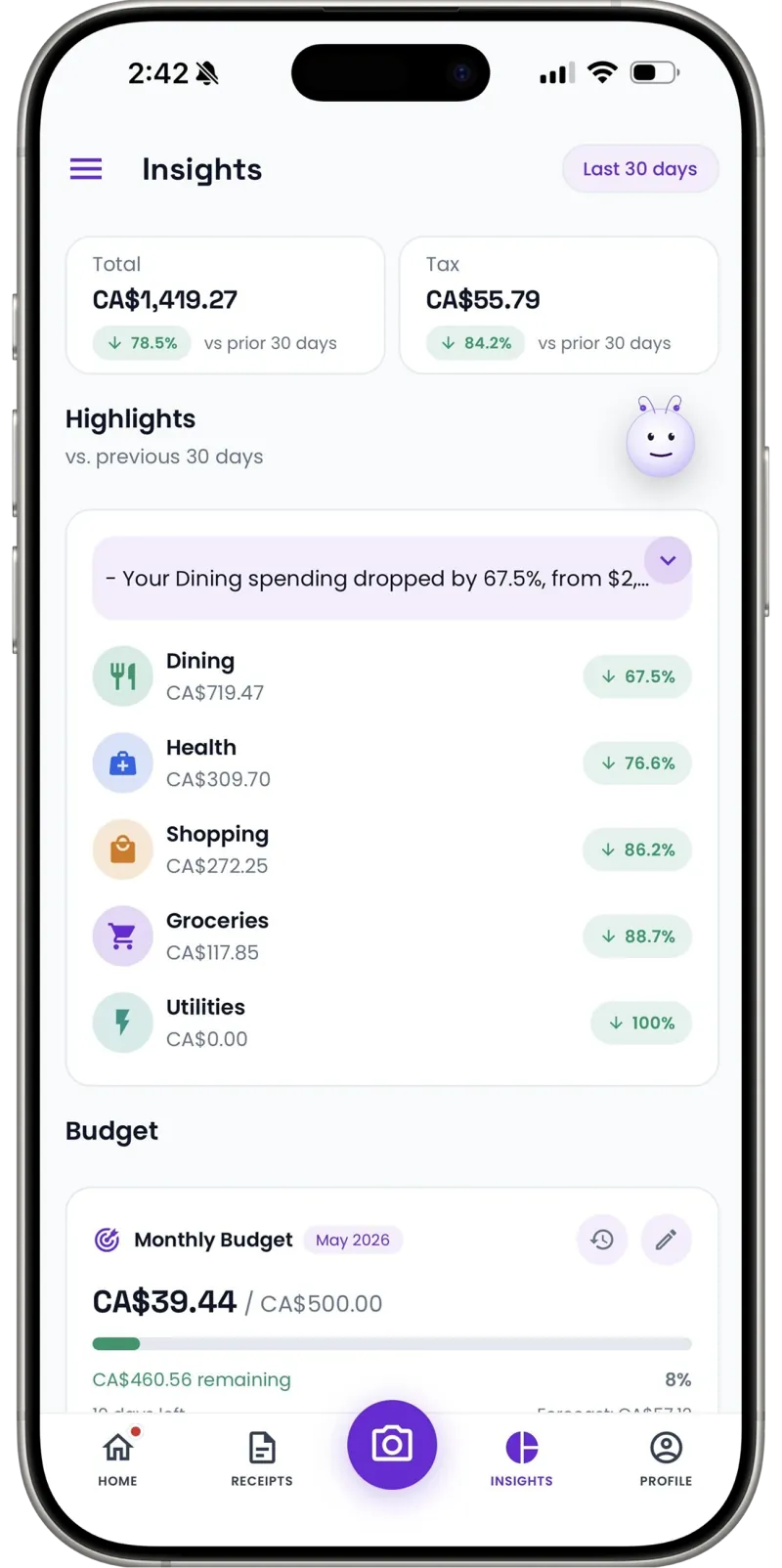
Cash counts against the plan
Cash purchases get added manually in seconds, so the budget reflects everything — not just what left a card trail.
Review the plan with real data
Export a month's categorized spending as CSV and set next month's numbers from evidence, not optimism.
How it works
From pocketful of paper to organized records
Snap the receipt
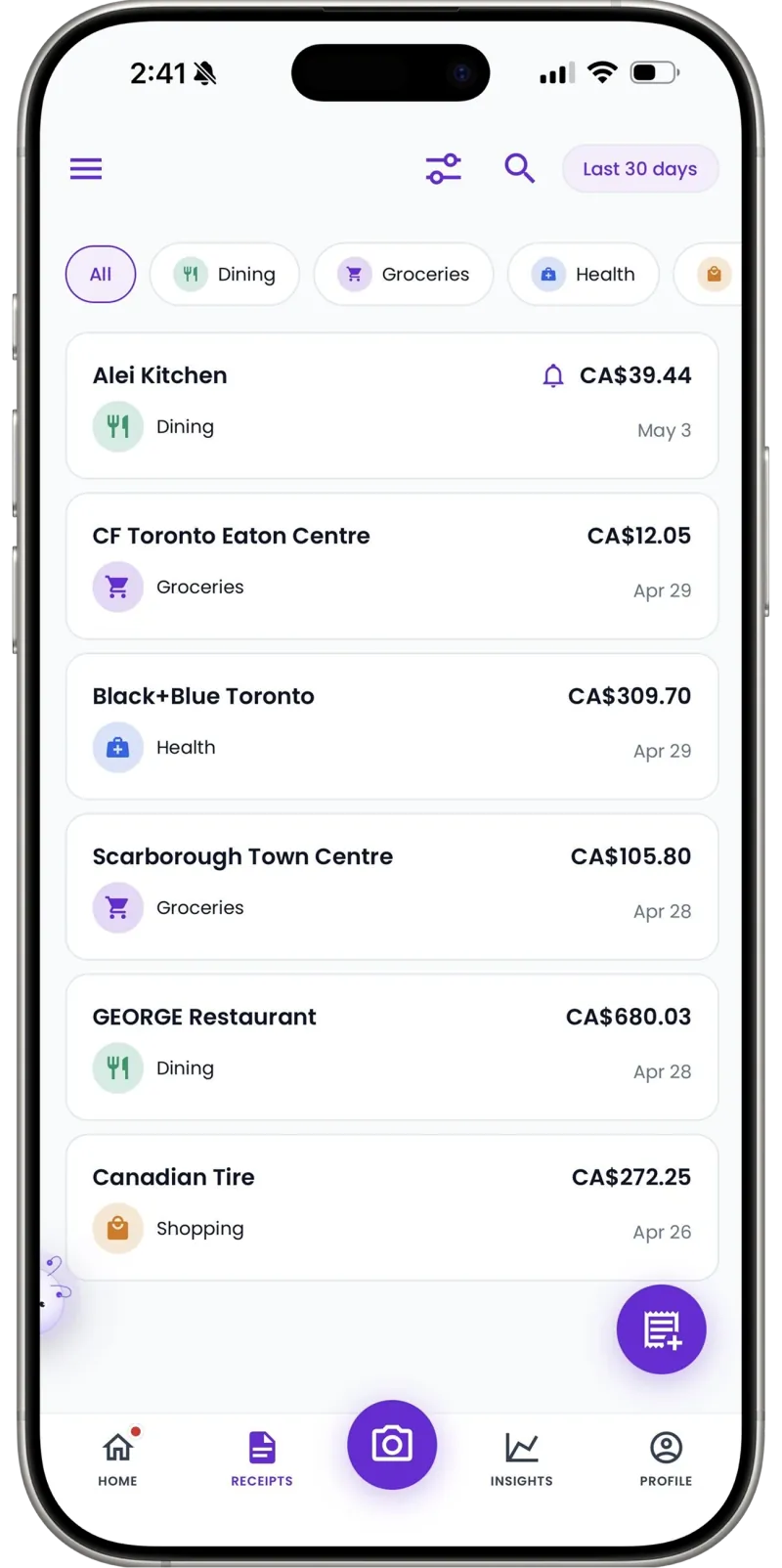
Point your camera at any receipt — paper, email screenshot, or invoice. Receni's AI reads the merchant, date, total, and category in seconds.
Review and save
Check what the AI extracted before anything is stored. Adjust the category or amounts, pick the right workspace, and save with one tap.
Export when it matters
At tax time or month end, export clean CSV files your accountant can open directly — no shoebox, no retyping.
30
Free AI scans a month to keep the budget honest
Per workspace
Separate budgets for business, home, and projects
Live
Progress updates the moment a receipt is saved
Every January I made a beautiful budget and every February I lost track of it. The difference now is the two-second scan — the budget updates itself as I shop, so mid-month me can still change course.
FAQ
Budget tracker questions, answered
Set a monthly limit per category inside a workspace. As you scan or enter receipts, spending counts against the right category and the dashboard shows progress — spent, remaining, and trend.
Built for your work
Receni works your way, whatever the work
Ready when you are
Budgets built on receipts, not resolutions.
Download Receni free and set your first monthly budget today.