
Point. Scan.Done in seconds
Paper receipts fade, email receipts bury themselves, and typing them in never happens. Receni's AI reads any receipt in seconds — and you confirm every detail before it saves.
Hillside Grocers
Groceries — weekly shop
Captured with AI scan
Sound familiar?
Receipts are designed to be lost
Thermal paper has a half-life
The ink starts fading the moment it's printed. By the time you need that receipt — a return, a warranty, a deduction — it's a blank grey slip.
Typing them in never happens
Manual expense entry is the chore everyone plans to do Sunday night. The backlog grows, the details blur, and eventually the pile just gets thrown out.
Auto-magic apps get it wrong quietly
Tools that import and file without showing you what they captured save errors as confidently as they save facts. Wrong totals in clean rows are still wrong.
How Receni helps
Built-in answers for receipt scanner app
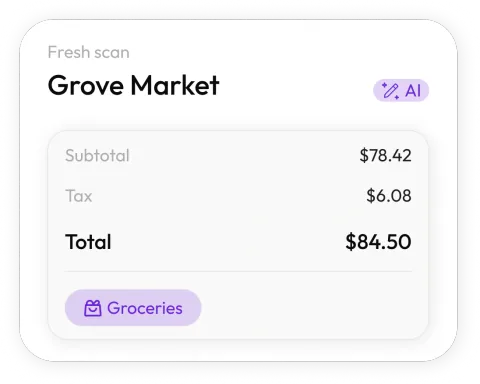
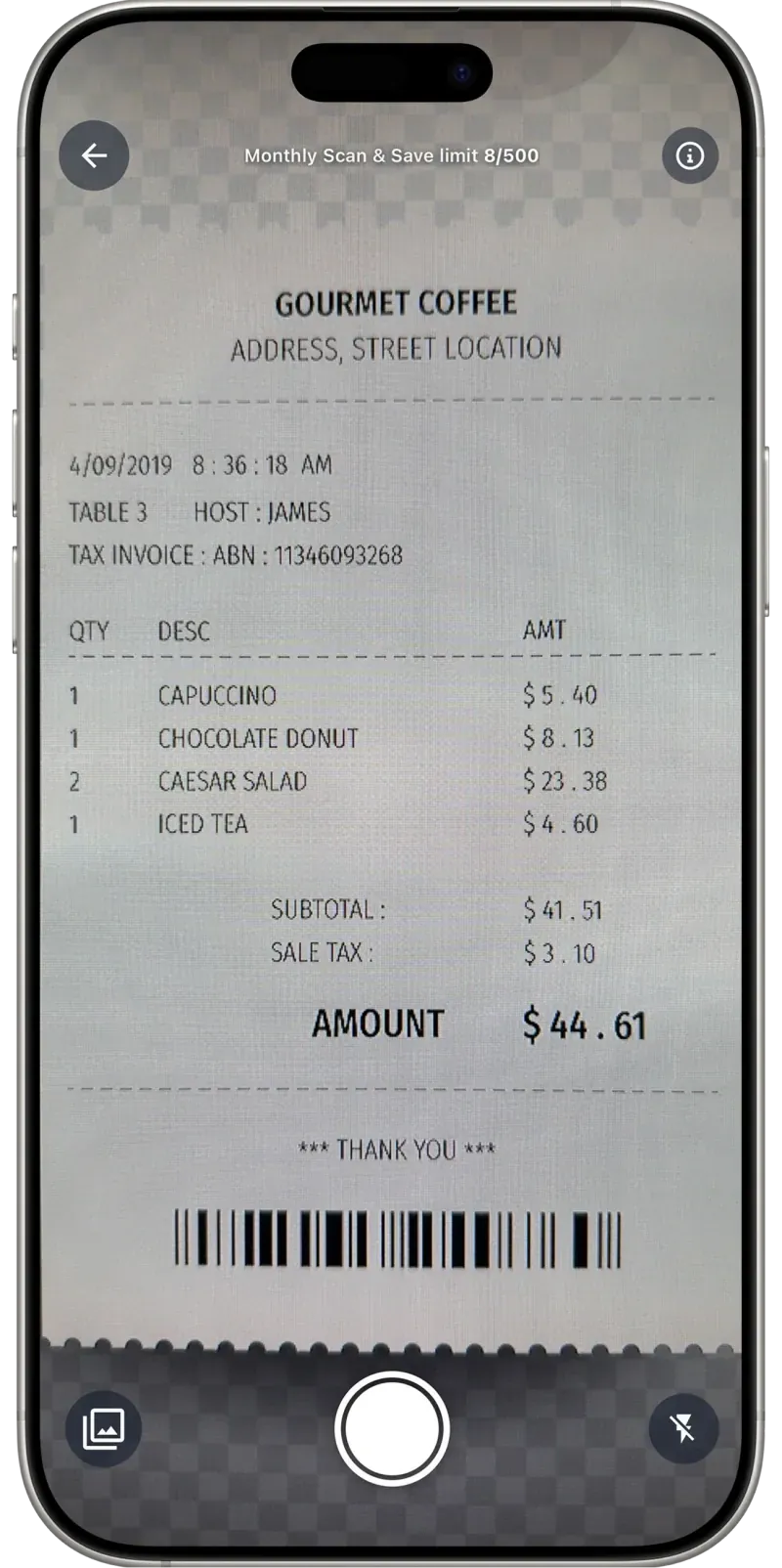
Any receipt, one snap
Paper receipts, email screenshots, invoices — Receni's AI reads merchant, date, total, and category in seconds.
Review before anything saves
The AI proposes; you confirm. Check what was extracted, fix a category or amount, and save with one tap — errors never sneak into your records.
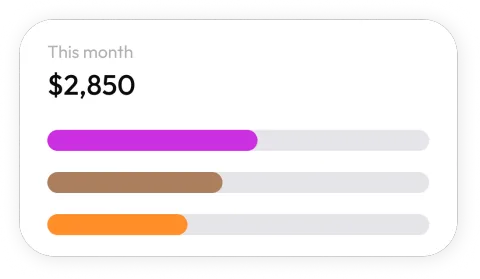
Scans land where they belong
Pick the workspace as you save — business, personal, a client, a job — and every receipt files itself into the right set of records.
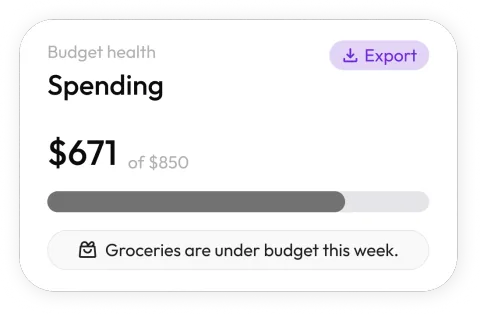
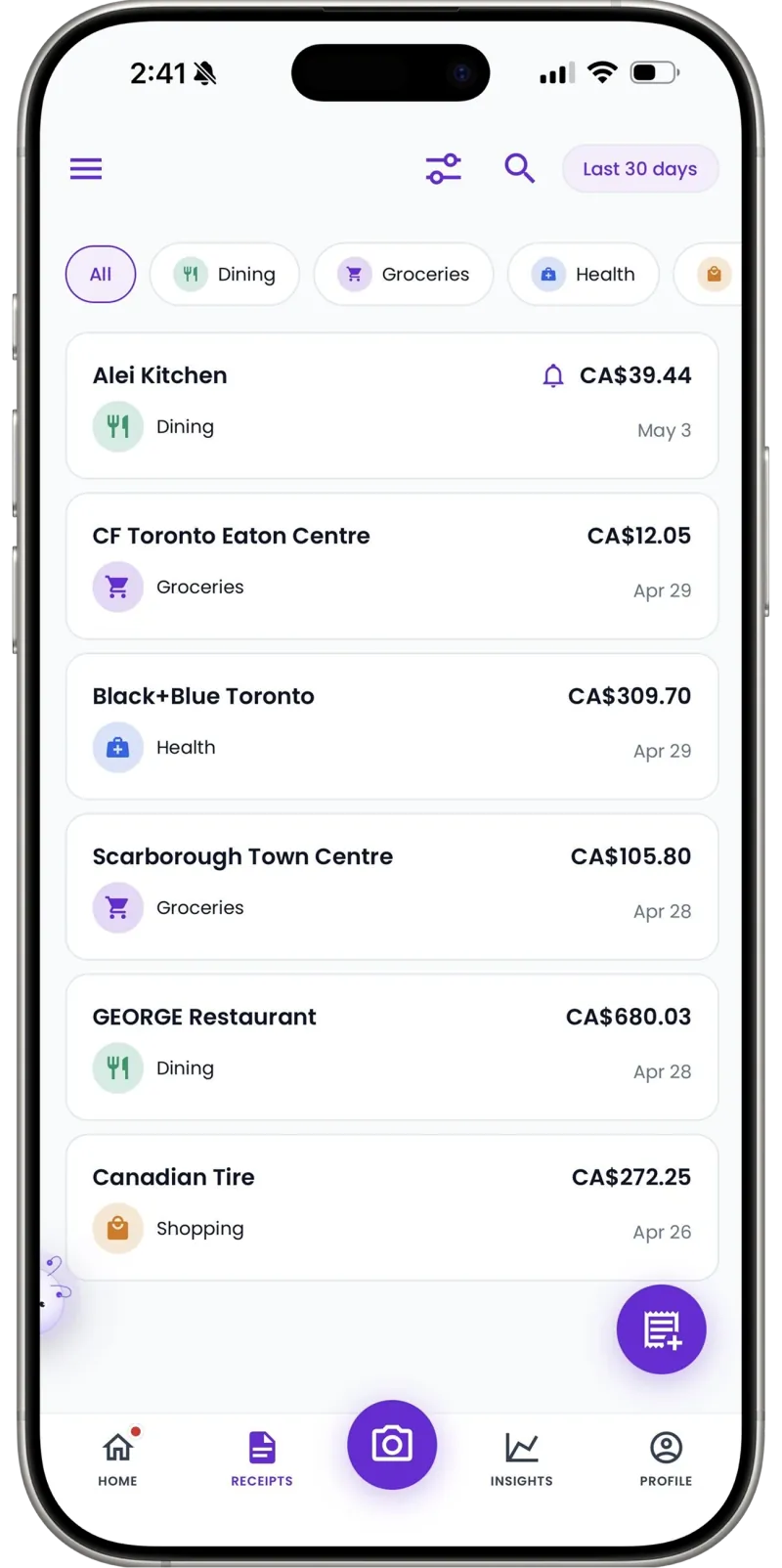
From pile to picture
Scanned receipts become spending dashboards by category and month — the reward for capturing them in the first place.
Out as cleanly as it came in
Everything you've scanned exports as a clean CSV — for your accountant, your spreadsheet, or tax season.
Scans in any currency
Receipts from a trip abroad or a foreign online order record in the currency you paid. No mangled conversions.
How it works
From pocketful of paper to organized records
Snap the receipt
Point your camera at any receipt — paper, email screenshot, or invoice. Receni's AI reads the merchant, date, total, and category in seconds.
Review and save
Check what the AI extracted before anything is stored. Adjust the category or amounts, pick the right workspace, and save with one tap.
Export when it matters
At tax time or month end, export clean CSV files your accountant can open directly — no shoebox, no retyping.
30
Free AI scans a month on the Free Forever plan
Seconds
From camera to categorized record
Unlimited
Manual entries on every plan
I tried three scanner apps that filed receipts without showing me what they'd read — I stopped trusting all of them. Receni shows me the extraction before it saves. That one step is why my records are finally accurate.
FAQ
Receipt scanner app questions, answered
The AI reads merchant, date, total, and category from clear photos with strong accuracy — and because Receni always shows you the extraction before saving, anything it misreads takes one tap to fix. Nothing lands in your records unreviewed.
Built for your work
Receni works your way, whatever the work
Ready when you are
Your next receipt takes five seconds.
Download Receni free and scan your first receipt before it fades.